Operating procedures
12
6. Operating procedures
6.1. Power connection
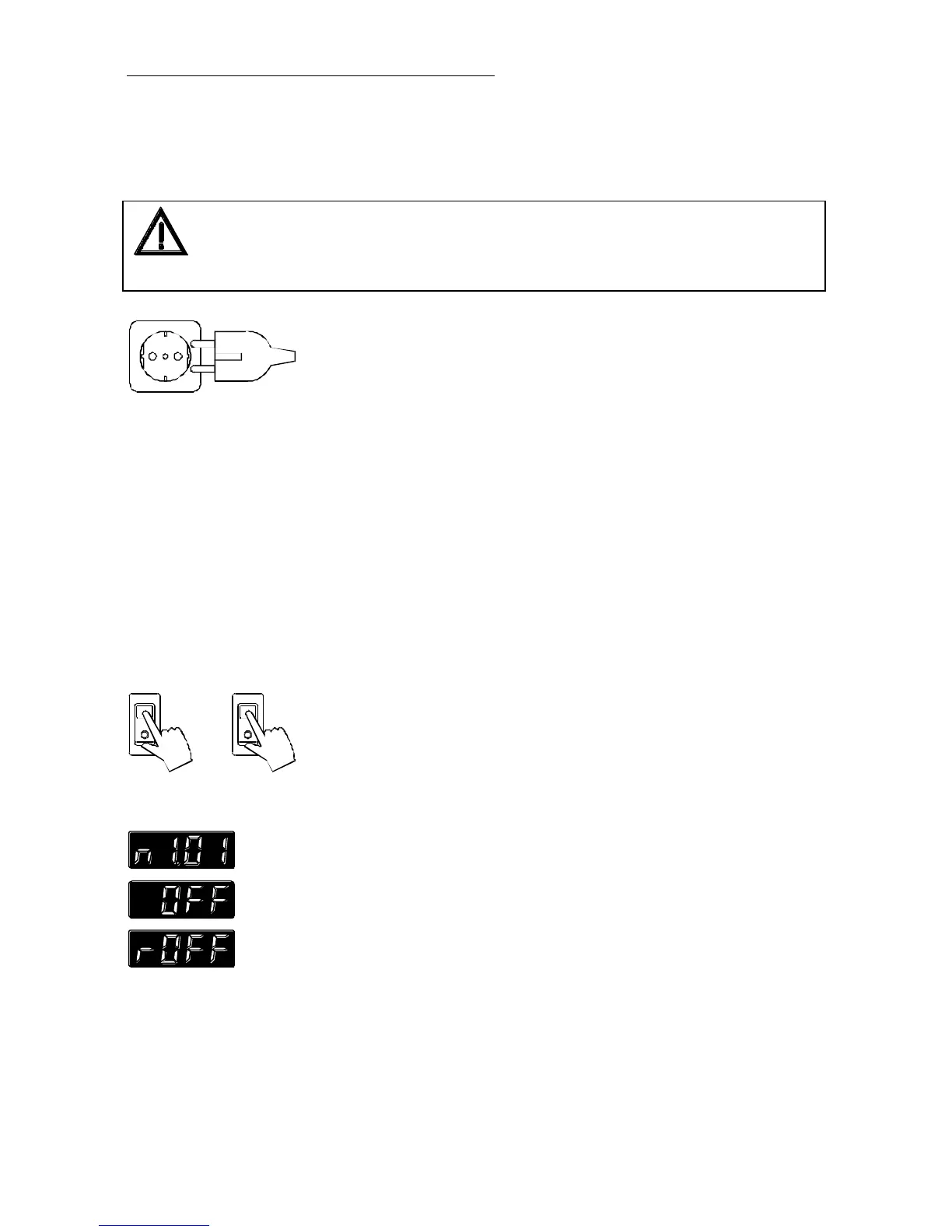
Connect the unit only to grounded mains power socket!
Do not use 2-pole adapters!
We disclaim all liability for damage caused by incorrect line voltages or if the
unit has not been connected to ground.
Check to make sure that the line voltage matches the supply
voltage specified on the identification plate.
Deviations of ±10 % are permissible
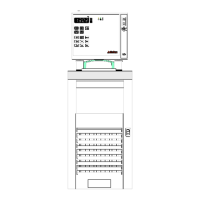
• Connect the circulator with mains power cable (29a) to the
mains outlet (34).
• Connect the control cable (22) between the connectors (22a,
22b).
• Connect the refrigerated circulator with mains power cable
(29b) to the mains socket.
6.2. Switching on - Start/Stop
Switching on:
Circulator and cooling machine may be turned on and off with
separate mains switches. The integrated control light will illuminate
to indicate that power has beeen applied.
The unit performs a self-test. All segments of the 4-digit MULTI-
DISPLAY (LED) and all indicator lights will illuminate.
Then the software version (example: n 1.01) appears. The display
"OFF" or "r OFF" indicates the unit is ready to operate (stand-by
mode).
The circulator enters the operating mode activated before switching
the circulator off:
keypad control mode (manual operation) or
remote control mode (operation via personal computer).



 To Next Page