15
6.4. Warning functions
)) )) ))
More protection for your samples in the bath!
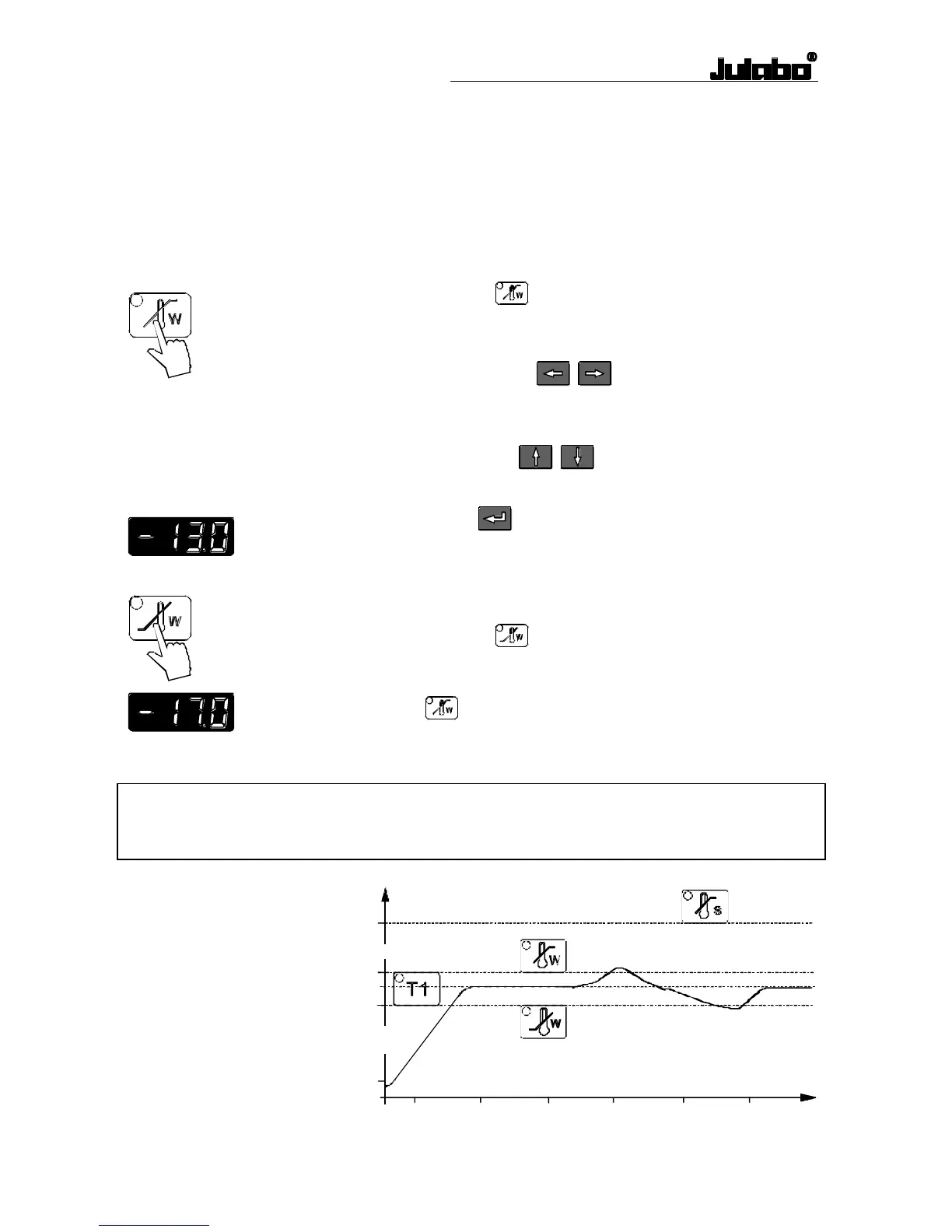
An audible signal sounds in intervals when the actual temperature
value exceeds one of the set limits (patented function).
Setting the high temperature limit:
Press the key .
The indicator light blinks and the value previously set appears
on the MULTI-DISPLAY (LED).
Use the cursor keys to move left or right on the
MULTI-DISPLAY (LED) until the numeral you wish to
change is blinking.
Use the edit keys to increase or decrease the
numeral value (-, 0, 1, 2, 3, ... 9).
Press enter to store the value
(example: -13.0 °C).
Setting the low temperature limit:
Press the key
.
Follow the instructions
for
(example: -17.0 °C).
Note:
The warning functions will only be triggered when the actual bath temperature, after start
from the „OFF“ or „rOFF“ mode, lies within the set limits for 3 seconds.
t
°C
39
37
35
20
50



 To Next Page