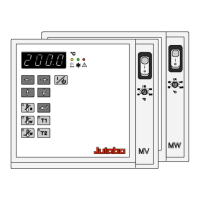
Setting of temperatures
22
7. Setting of temperatures
7.1. Using the pre-settings in the menu
Press the
key to call up the menu for temperature selection.
3 different working temperatures can be adjusted. Their values are freely
selectable within the operating temperature range.
L The temperatures can be set in start or stop mode.
L Press key if a value is to be retained
Setting of working temperature in the menu
Werkseinstellungen:
SETPNT 1 25 °C
SETPNT 2 37 °C
SETPNT 3 70 °C
1. Press the key
. The value flashes
2. Select SETPOINT 1 or 2 or 3 using the key
or .
3. Confirm by pressing the
key.
L The circulator uses the new working temperature value for temperature
control.
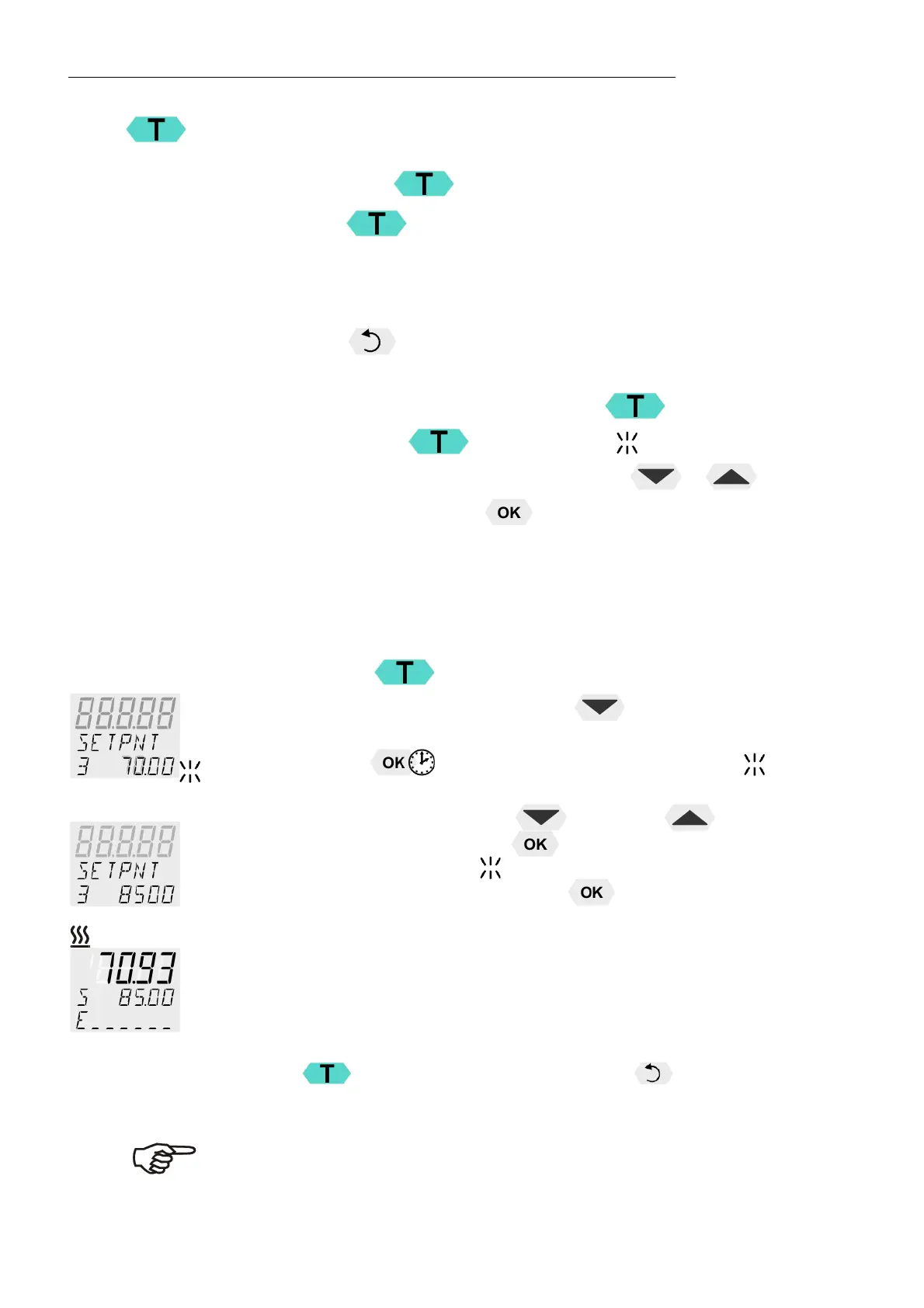
Example: Adjustment/modification of the pre-setting of
"SETPOINT 3"
1. Press the
key.
2. Select SETPOINT 3 by pressing the
key.
Example: SETPNT 3 / 70.00 °C
3. Keep the
key pressed until the integer digits flash .
(example: <70>)
4. Adjust value by pressing the key and the
key to 85.00 °C
and confirm by pressing the
key.
The decimal digits flash
and can be adjusted if desired.
Confirm once more by pressing the
key.
Example on the left: SETPNT 3 / 85.00.
L If the active setpoint (SETPNT) is changed, the new value is
immediately used for the control of the working temperature.
The heater control indicator flashes.
L If the other two setpoints (not activated for control) are changed the
MENU has to be left by pressing the key after the decimal
digits have been confirmed
Notice: Refer to SETPOINT MAX / MIN in chapter
9.8. MENU LIMITS


 To Next Page