21
3 Installation
3.4 Handling the front of the device
Cleaning
The front of the device (front foil) can be cleaned with standard detergents, rinsing and cleaning
agents.
Operation
The screen (resistive touchscreen) can be operated by finger pressure or with a commercially
available touchscreen stylus.
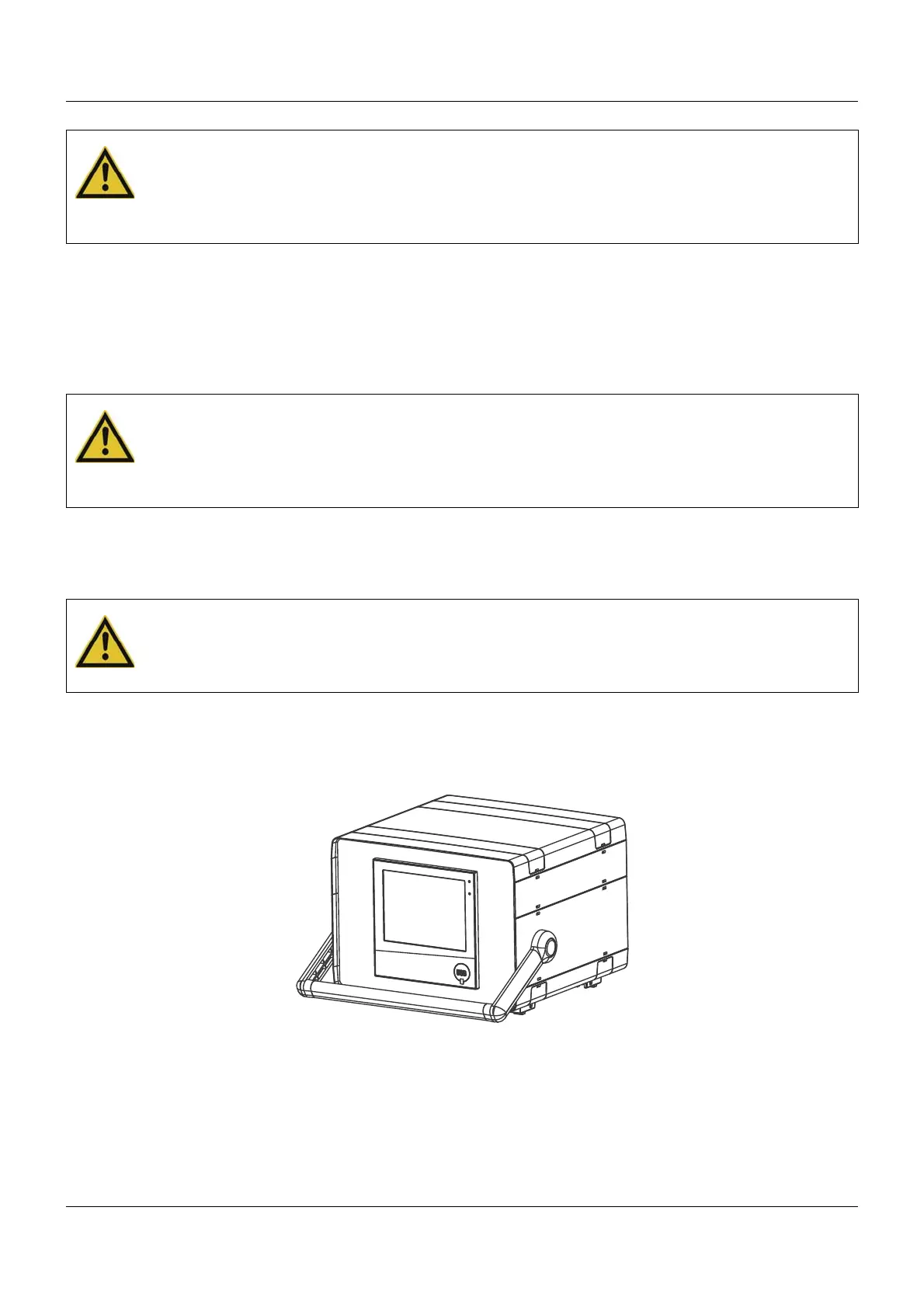
3.5 Universal carrying case Compact (extra code 970)
CAUTION!
The front of the device and case have different protection types.
The protection type IP65 (front-side) is only guaranteed if the seal is flush and even.
The four supplied fastening elements must all be used and distributed evenly as shown in the
figure.
CAUTION!
The front of the device is not resistant to aggressive acids and lyes, scouring agents, and
cleaning with a pressure cleaner.
Use of these media can cause damage.
Only clean the front of the device with suitable agents.
CAUTION!
Sharp or hard objects are not suitable for operating the screen.
They can cause scratches and damage the front foil.
Only operate the screen with your finger or with a suitable stylus.



 To Next Page