5 Operation
56
With a device that has extra code 888 (FDA) the concerned setting is performed with the PCS
software.
The approach when entering a comment with authentication basically corresponds to the one
when rendering an electronic signature for a completed batch (only steps 2 to 4).
Example of an electronic signature:
Chapter 5.8 "Electronic signature", page 63
5.5 Text input dialog
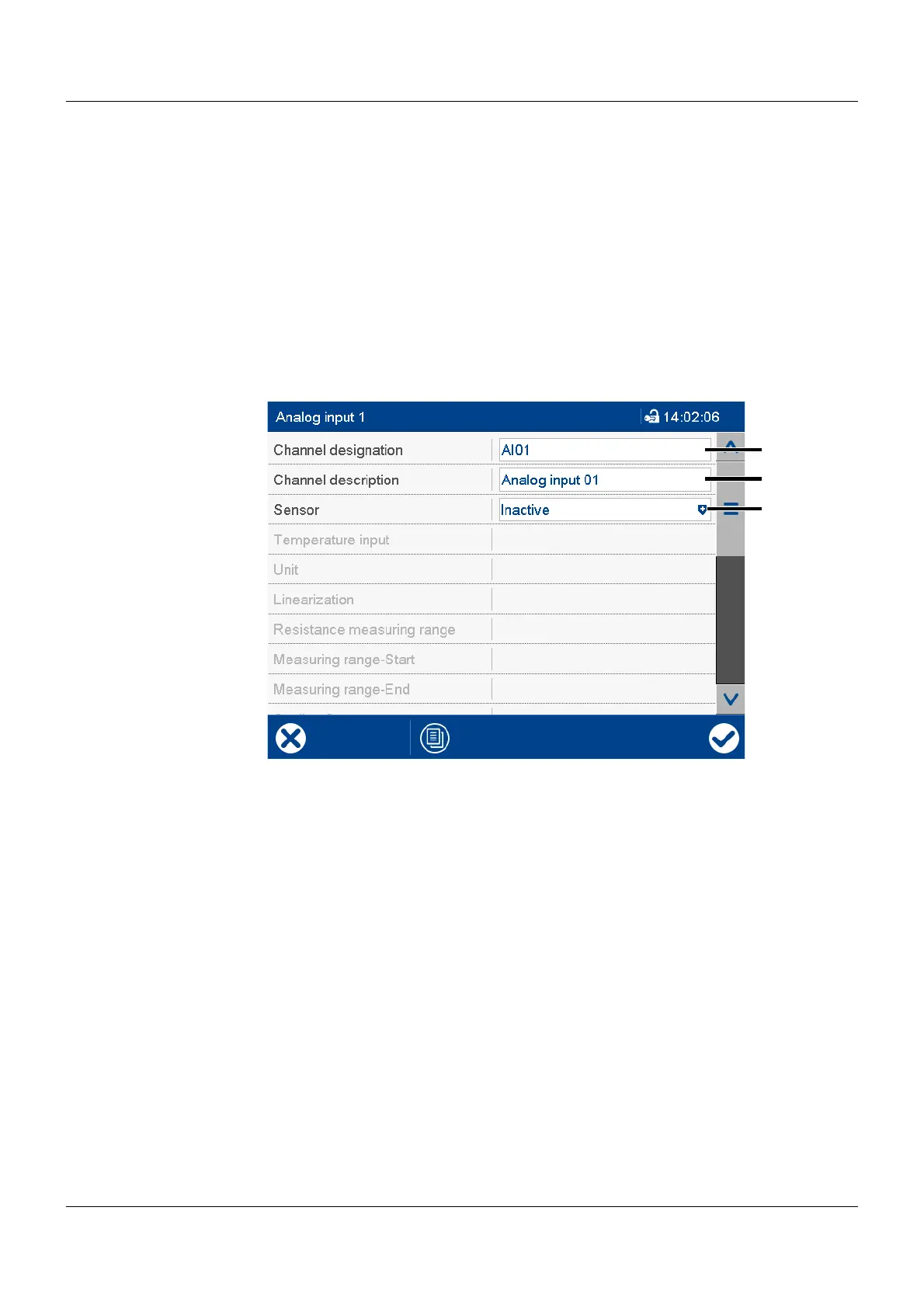
The text input dialog is used for all functions in which the user can enter or edit text.
Example: Configuration of an analog input
(1) Text editable (max. 5 characters) (3) Drop-down menu (text not editable)
(2) Text editable (max. 21 characters)
Tap the text box to edit the text.



 To Next Page