63
5 Operation
5.8 Electronic signature
As of device version 02 and with extra code 888 (FDA), the user has the option to provide a
completed batch or the recording data of a certain time period with his/her electronic signature.
A logged-on user can provide his/her signature during logoff – it applies to the entire time period
for which the user was signed in.
The prerequisites for the electronic signature are the device-dependent settings in the PCS
software as well as the related user right.
Completed batch
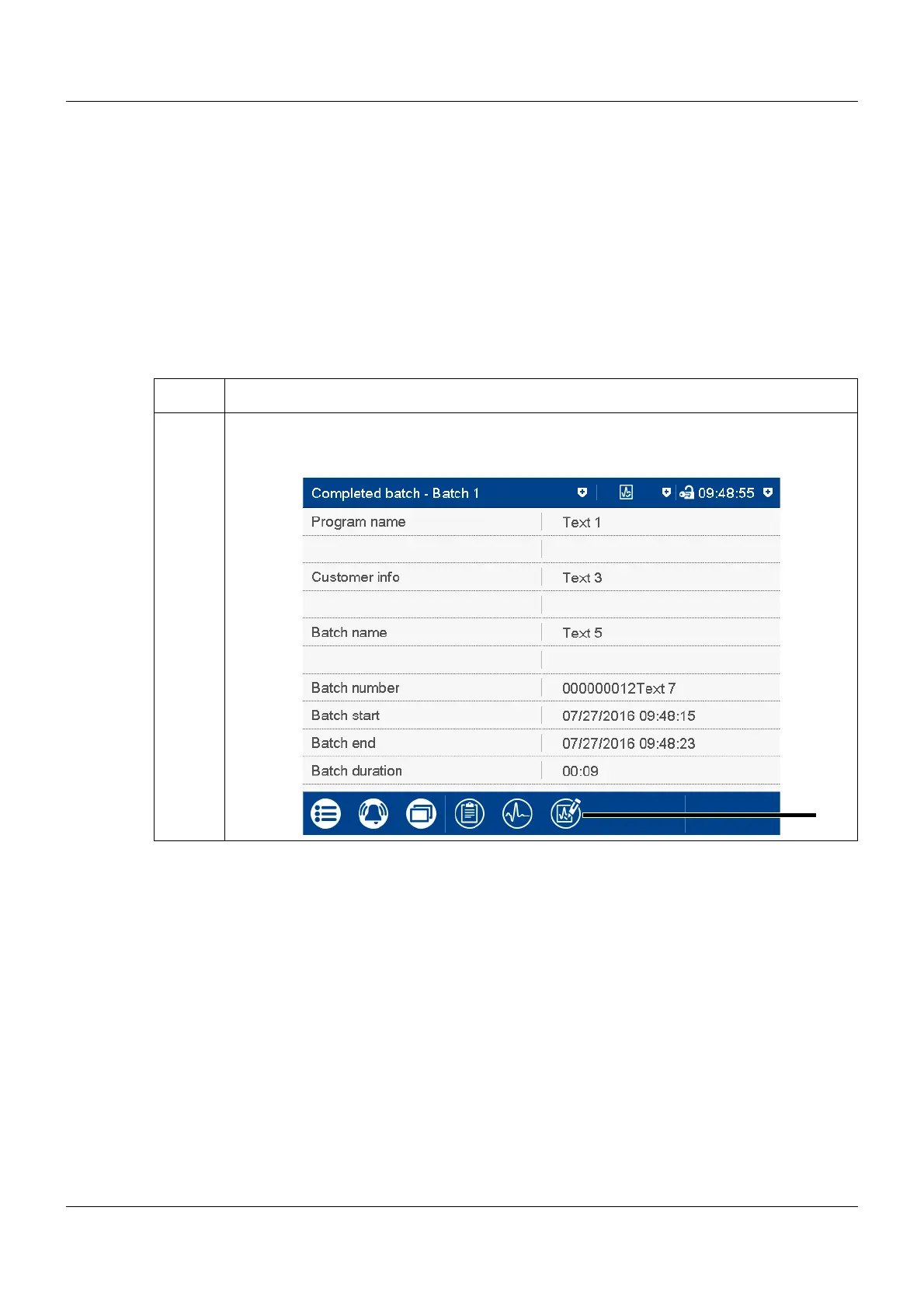
The following example shows the electronic signature of a completed batch.
Step Activity
1 In the protocol of a completed batch recording press the button (1) for the electronic signa-
ture:



 To Next Page