5 Operation
36
5.2.7 Calibrating the touchscreen
This menu enables you to calibrate the touchscreen (position calibration). To do so, you need
to tap the center of the crosshairs shown in the corners of the screen one after another.
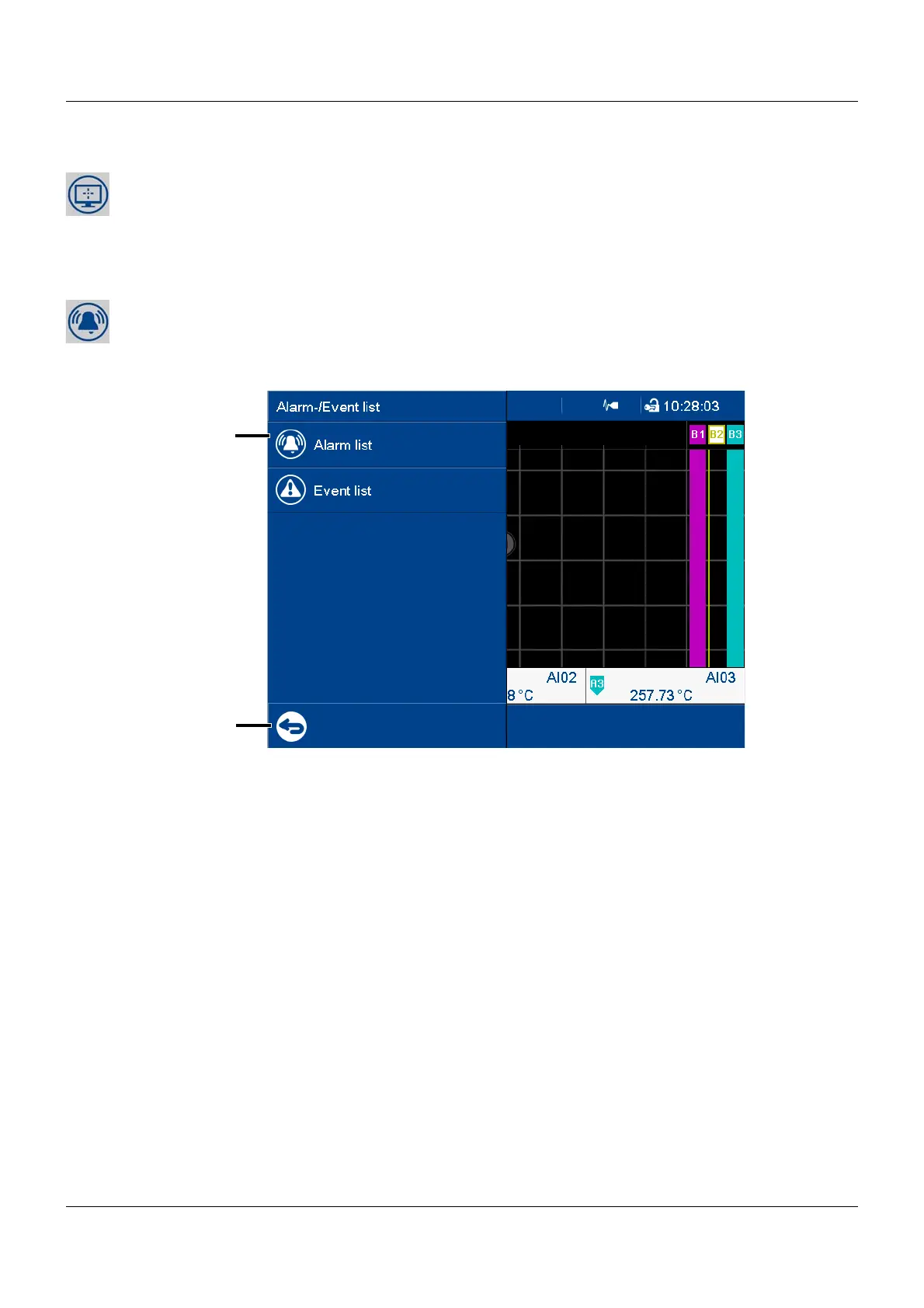
5.3 Alarm and event menu
The alarm and event menu enables you to call up the alarm list and event list.
View
(1) Menu items
(2) Quit the alarm and event menu



 To Next Page