5 Operation
32
the screen), the batch logging status, and the status of data transmission via the PCC software
as a text display.
Icons used:
The area on the right shows the logon status as an icon and the time. The button additionally
shows the weekday, date, user name, and memory usage.
Icons used:
The status bar is also used as an alarm display. In the event of an alarm, the alarm text (red
background) and the normal text (blue background) are alternately displayed.
Image
The image area displays the current visualization, menu (e.g., Main menu) with its menu items,
or a list (e.g., event list).
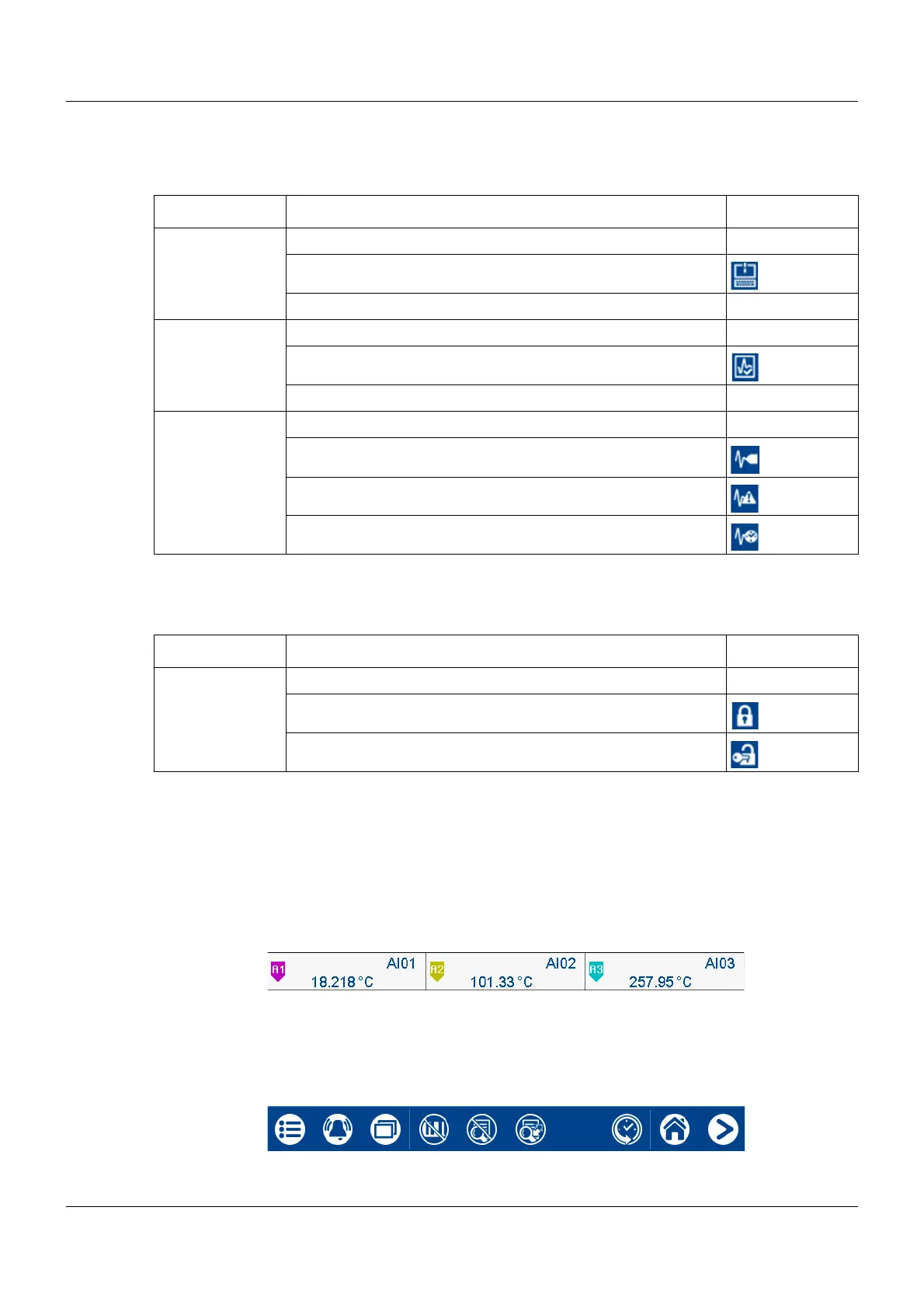
Channel information
The channel information display in the curve diagram can be switched on and off (configura-
tion). The description (pointer) of the analog signal (e.g., A1) is displayed along with the abbre-
viation of the analog or digital signal (e.g., AI01 for analog input 1) and the analog value.
Navigation bar
The navigation bar consists of three areas which are delimited by vertical lines.
Position Meaning Icon
Left Data transmission via PCC software
- Transmission active
- Transmission not active No icon
Center Batch recording
- Recording active
- Recording not active (or batch not configured) No icon
Right Operating mode
- Standard operation
- Event operation
- Time operation
Position Meaning Symbol
Left Logon status
- User not logged in
- User logged in



 To Next Page