39
5 Operation
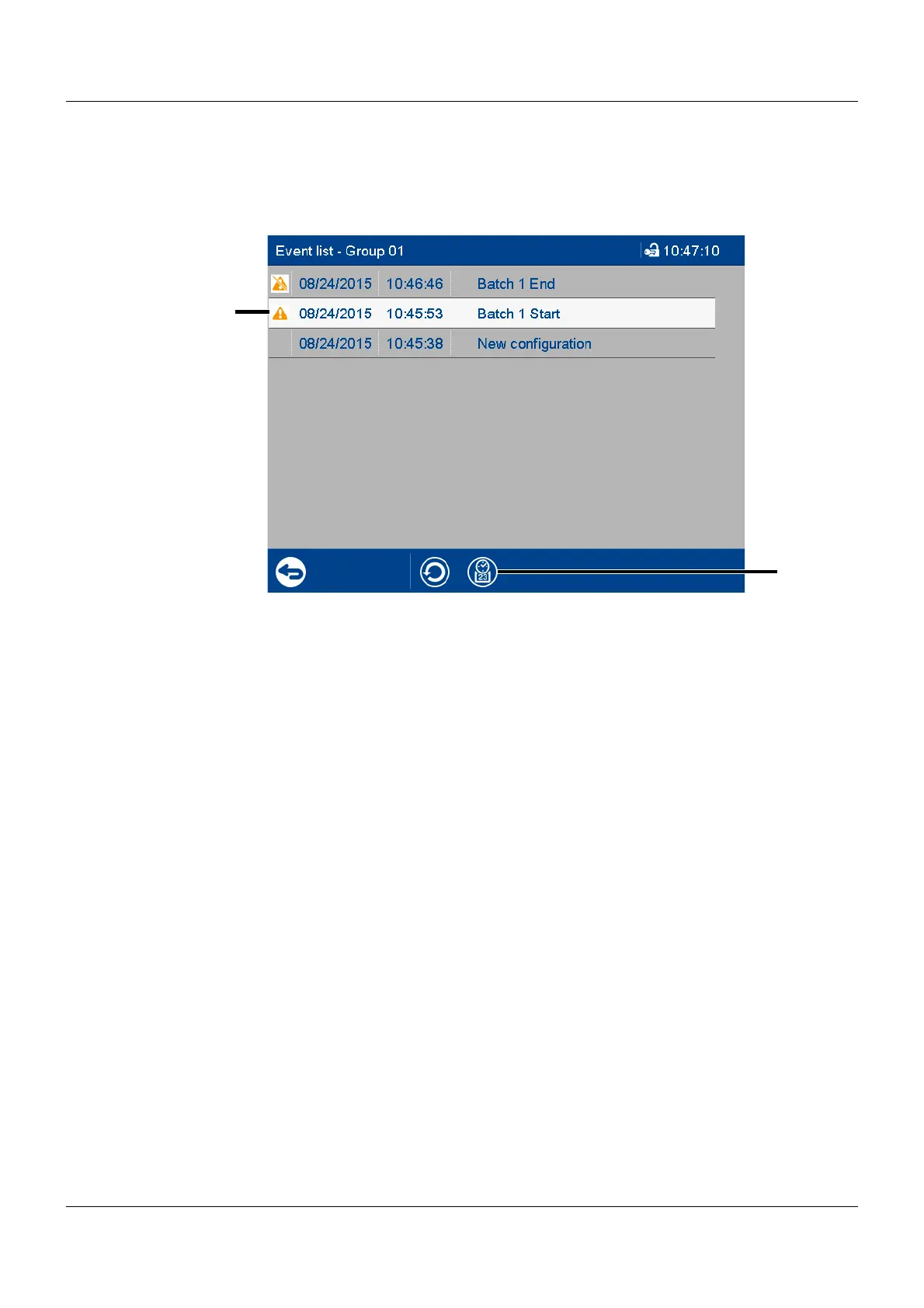
Event list in memory display
If the alarm and event menu is called up from the memory display (history) (or from the curve
presentation of a completed batch), the event list is opened directly. An additional button is
available here which lets you mark the time of a specific event in the memory display with the
cursor position.
(1) Selected event
The event is selected by tapping.
(2) Show memory display
In the memory display, the cursor is
moved to the position (time) at which the
event occurred.
If the respective point in time is no lon-
ger in the memory display, the cursor is
moved to the start of the memory dis-
play (oldest point in time).



 To Next Page