43
5 Operation
Example of an electronic signature:
Chapter 5.8 "Electronic signature", page 63
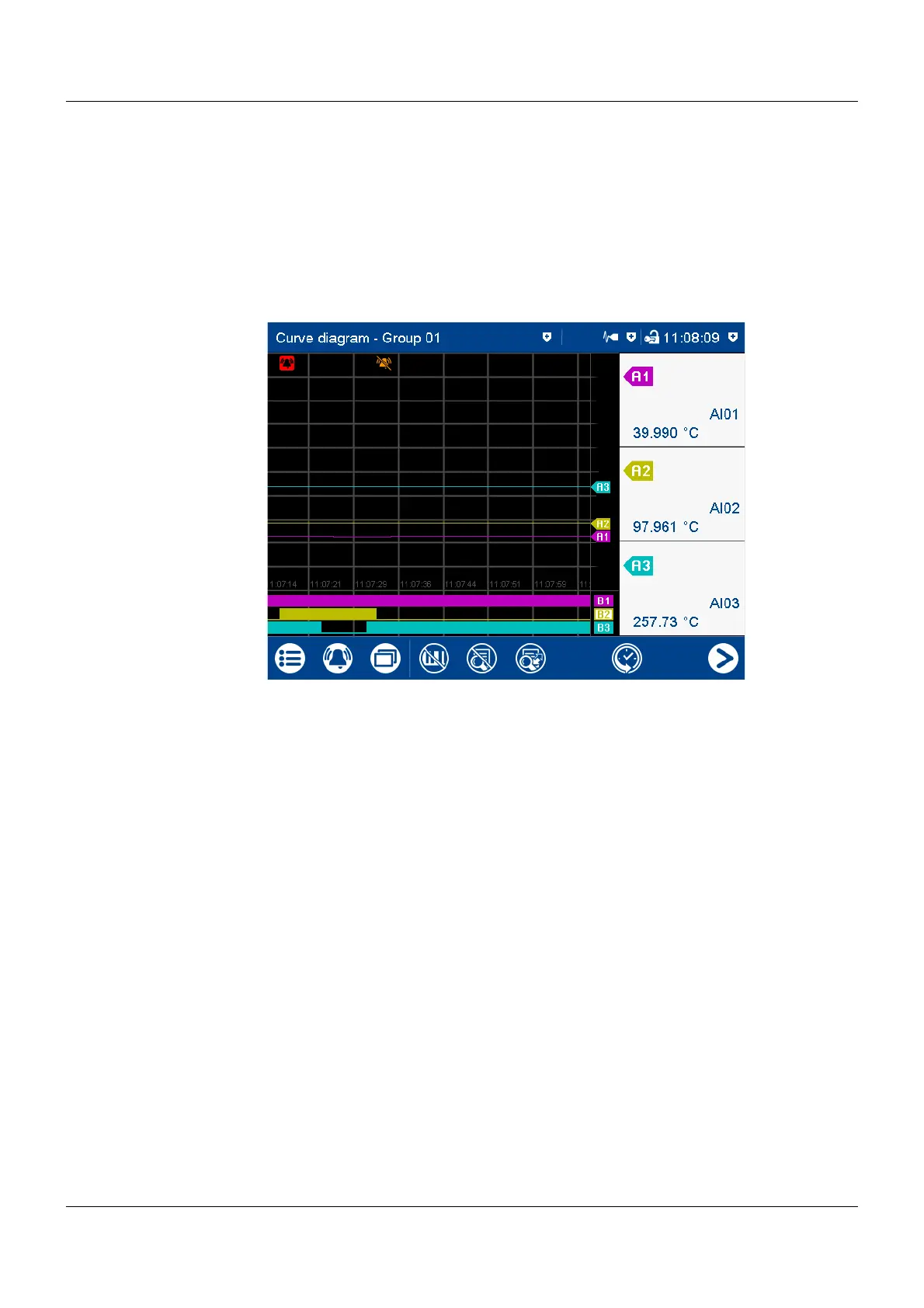
Horizontal diagram
In the horizontal diagram, the analog curves and digital traces run from right to left. The channel
information is shown on the right edge of the screen; the icons for event and alarm at the top
edge of the screen.
Digital traces and channel information can be hidden in the group configuration, as in the ver-
tical view.



 To Next Page