11
2 Device description
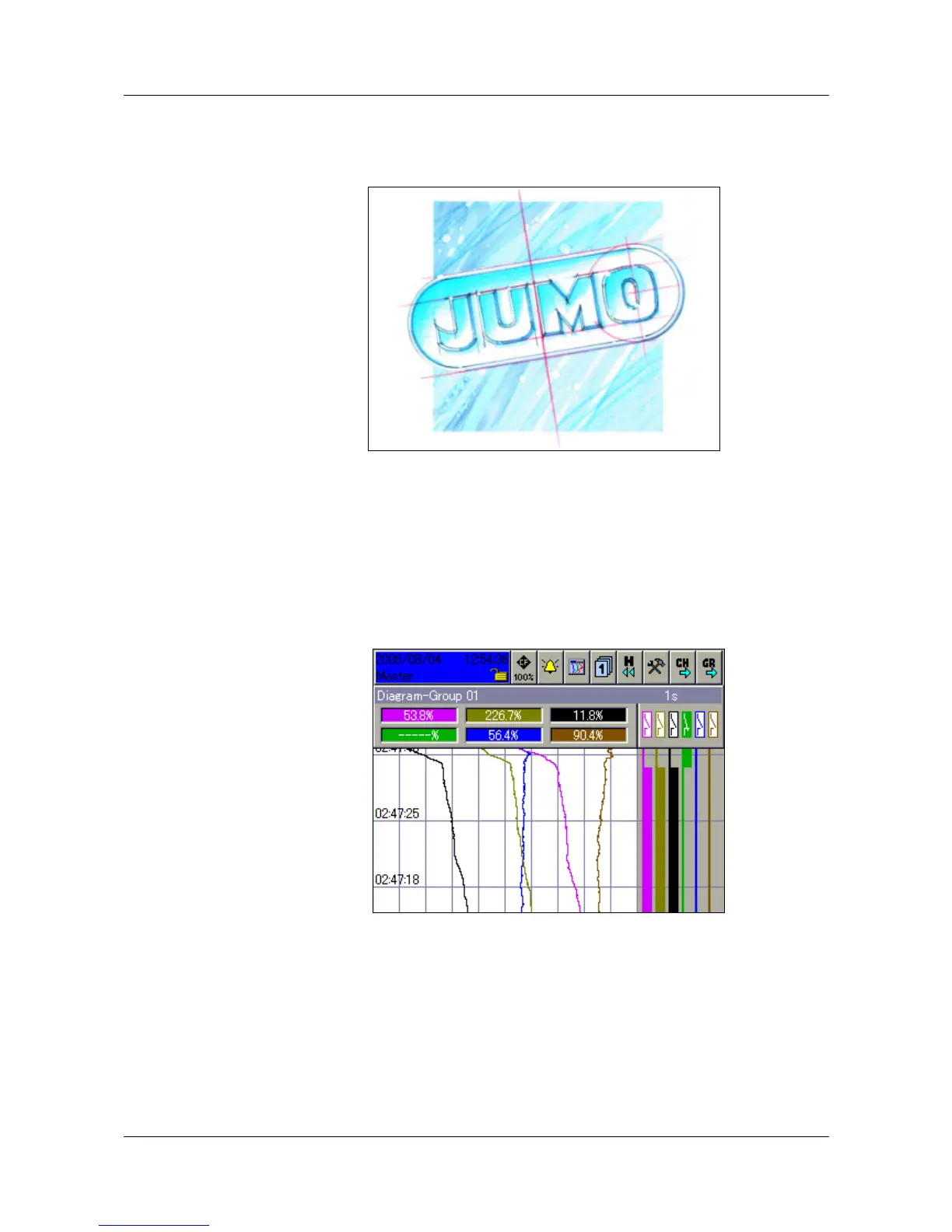
After the paperless recorder has been started up by switching on the supply
(power ON), the start logo is the first item that appears.
During screen build-up, the recorder is initialized with the data of the last
configuration. After the initialization phase, the presentation mode that was
last selected is shown in the visualization level (factory setting). Please note
that the start-up behavior is configurable, so you can alter it.
Normal display This mode of presentation is known as “Normal display”.



 To Next Page