47
6 Memory manager
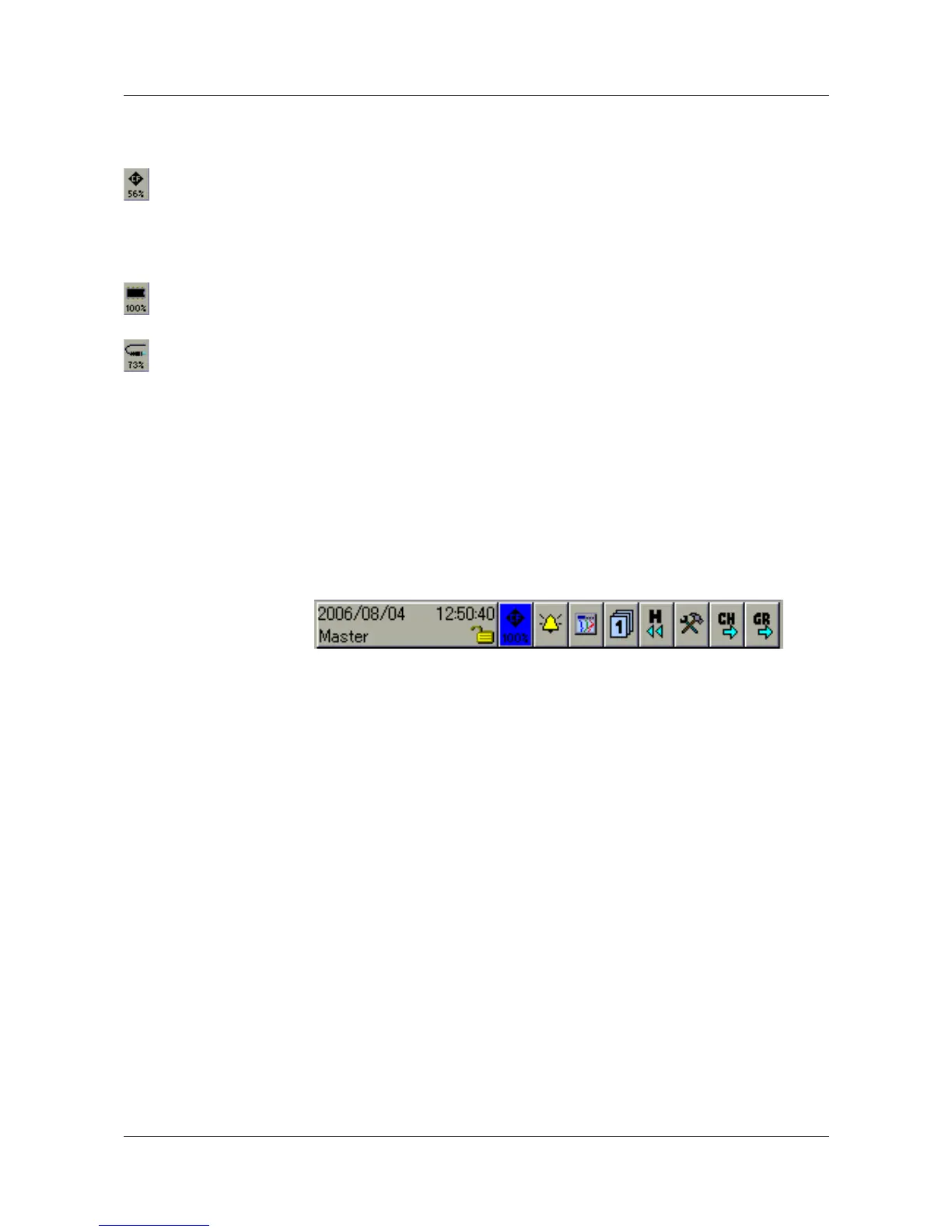
The symbol for the memory manager (menu: Memory manager) can be
shown in different ways.
This shows the available memory of the CompactFlash memory card that has
been inserted.
If no CF card has been inserted, then one of the following symbols will be
shown, depending on the type of data read-out that was configured.
The display shows the available internal memory for data read-out via a
CompactFlash memory card.
This shows the available internal memory for data read-out via the interface.
h Select the memory manager by rotating the control knob, and then press it
to activate the function.
The memory manager can only be accessed when a CF card has
been plugged into the instrument. After the card has been plugged
in, the menu will appear automatically.
If not all functions are available, then you have to log in to the
device first, in order to obtain the required access rights.
v Chapter 7.1 “Logging in and logging off”



 To Next Page