53
7 Device manager
7.1 Logging in and logging off
h Select the Device manager in the header line, by rotating the control knob.
h Activate the Device manager by pressing the control knob.
h Activate the Security function in Device manager.
Standard
user
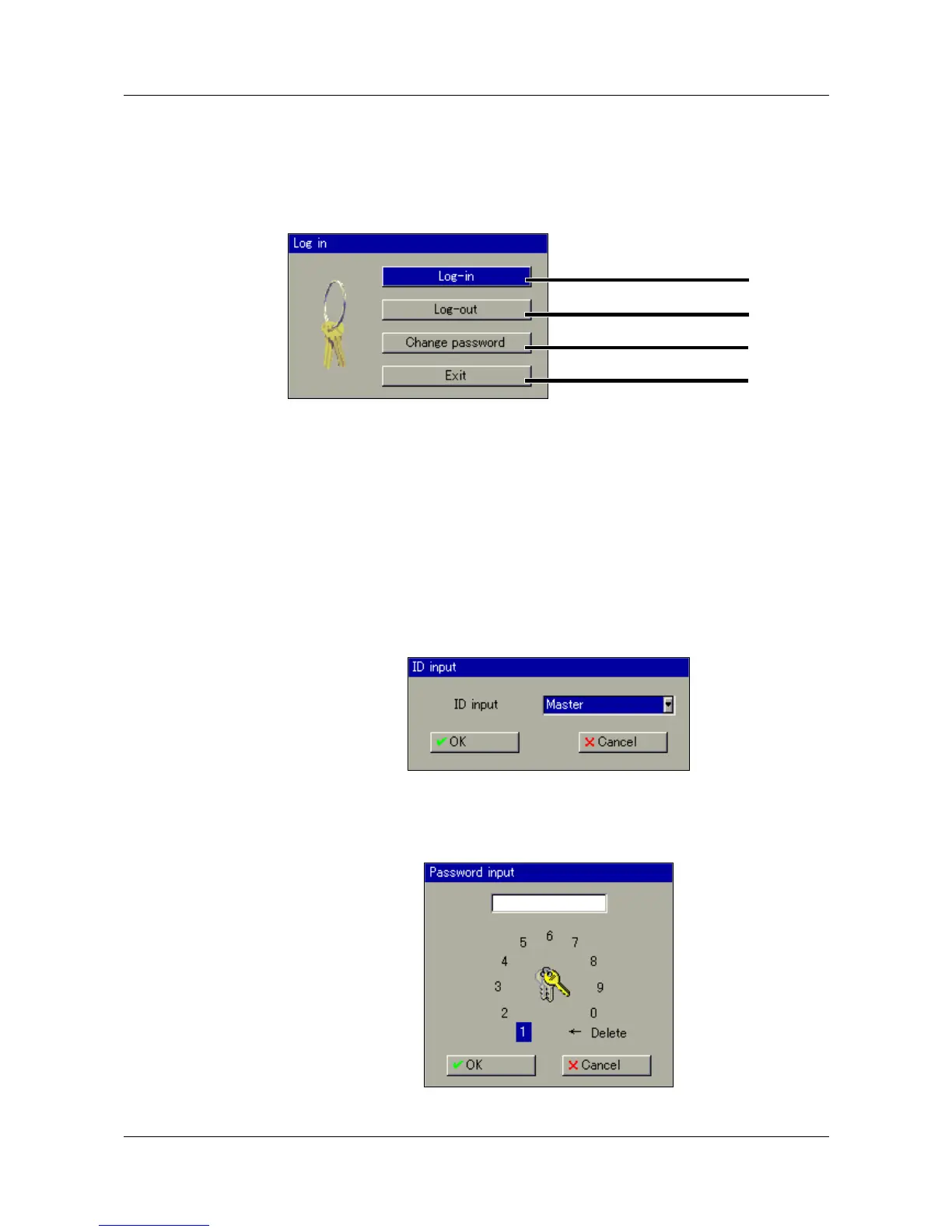
Log-in h In the menu Device manager
!
Log-in, activate the function Log-in.
h Select the user. The user name can be changed by rotating the control
knob.
h Select “OK” with the control knob, and press the control knob.
Log-in
Log-off
Change password
Close dialog
The paperless recorder is delivered ex-factory with an internal user
list which contains two users.
User 1: Master password: 9200
User 2: User password: 0
The setup program can be used to alter the two user names and
their passwords and access rights, and transfer this information to
the device.



 To Next Page