5 Alarm and event lists
44
5.1 Call from one of the visualization modes
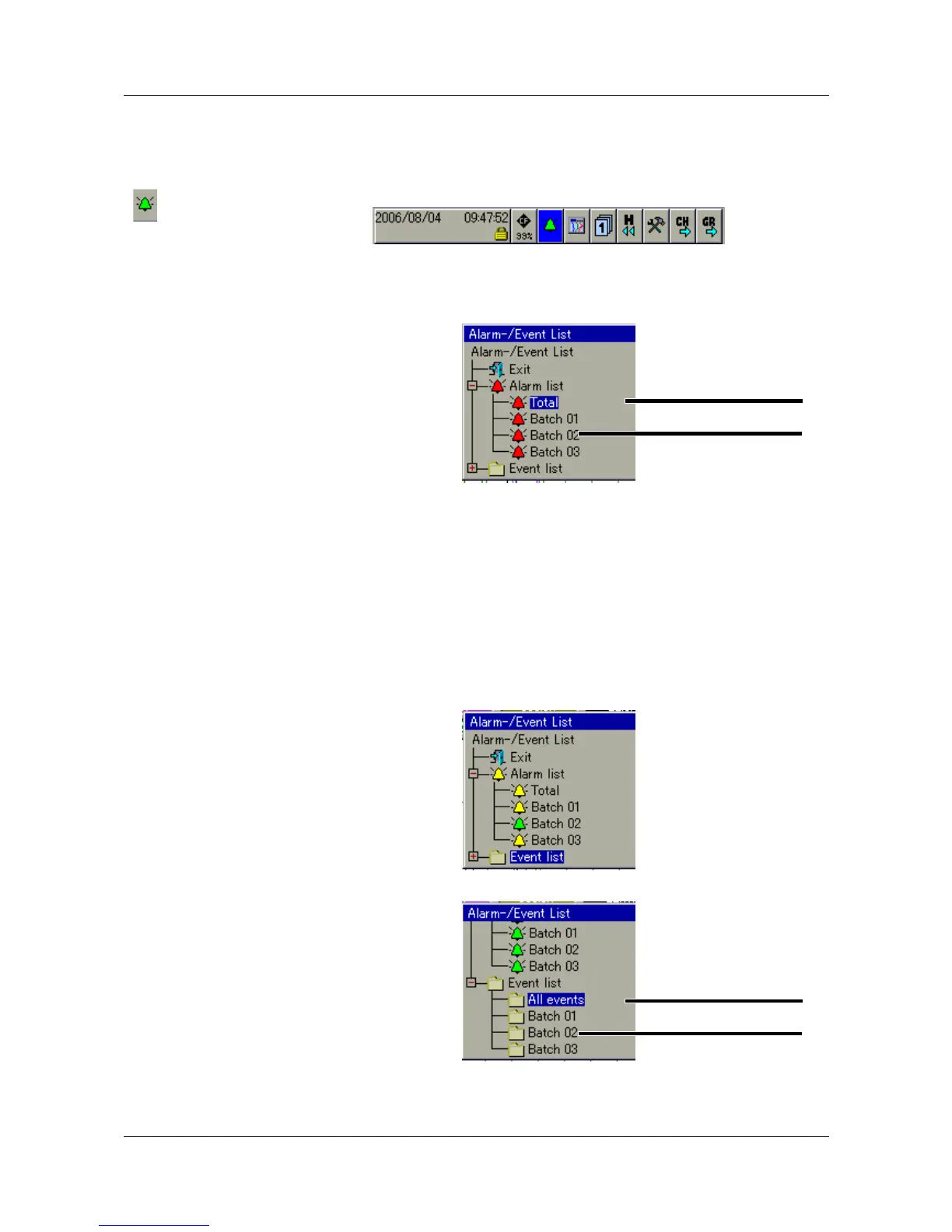
h In the header line, rotate the control knob to select the bell symbol, and
press the knob to activate the symbol.
h Select the required list.
Activate
alarm list
h Rotate the control knob to select a list, then press the knob to activate the
list.
Activate
event list
First, it is necessary to “fold down” the directory tree for the event lists.
h Rotate the control knob to select an event list, then press the knob to
activate the list.
Complete list of alarms
Batch-related
alarm lists.
If the number of
batches is reduced,
then fewer entries
will be displayed.
Complete list of
events
Batch-related
event lists



 To Next Page