3 Operator level (visualization)
32
3.9.2 Completed batches
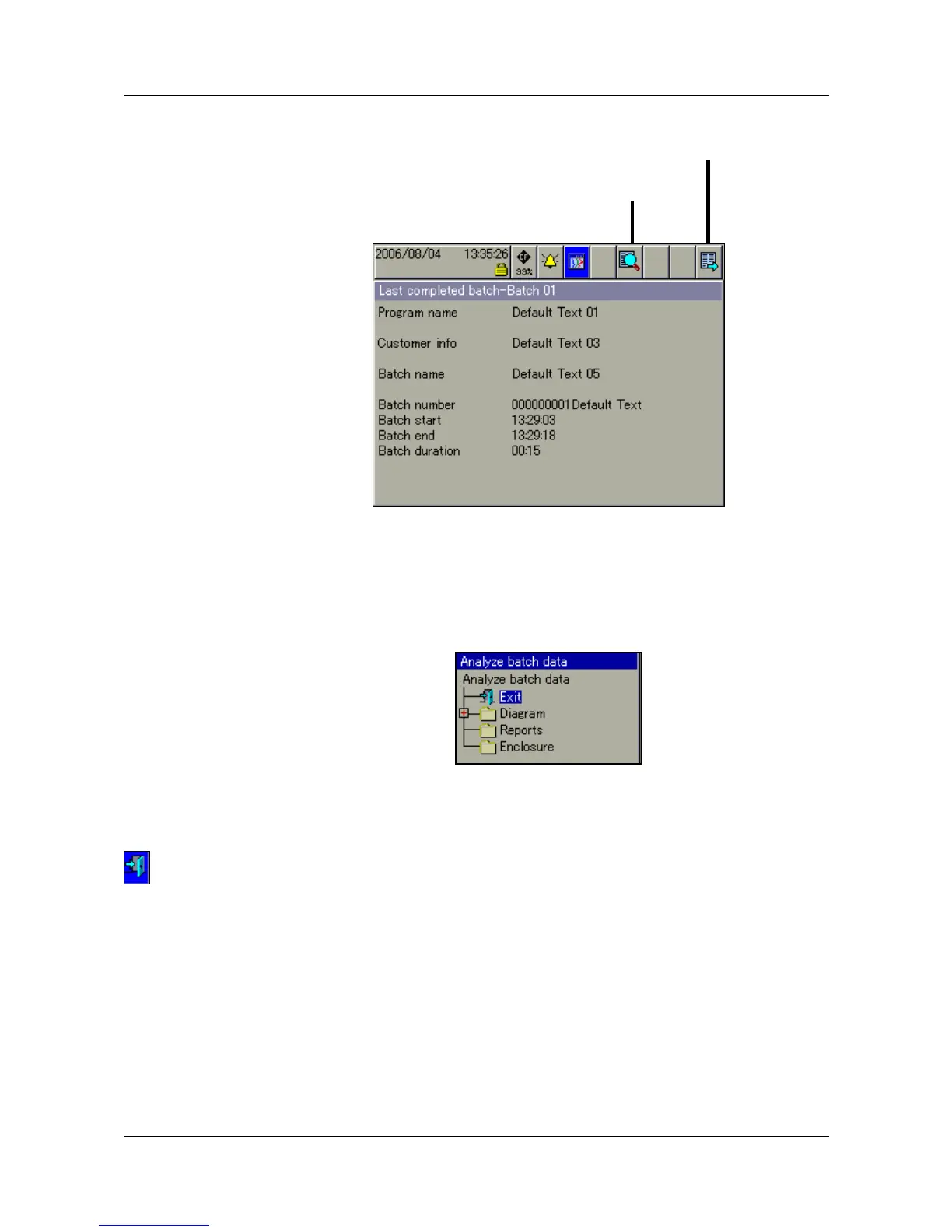
Analyze
batch
Completed batches can be analyzed in three different ways:
- batch data (graphical presentation)
- report (numerical presentation)
- attachments (e.g. recipes).
h Rotate the control knob to select a type of presentation, then press the
knob to activate this type.
Activating the door symbol in the header closes the selected presentation, and
the batch data will be displayed again.
Change
batch/plant
The corresponding batch data will be shown in its own batch screen template,
depending on how many plants have been configured.
Analyze batch
Change batch/plant



 To Next Page