37
3 Operator level (visualization)
3.11 Comment entry
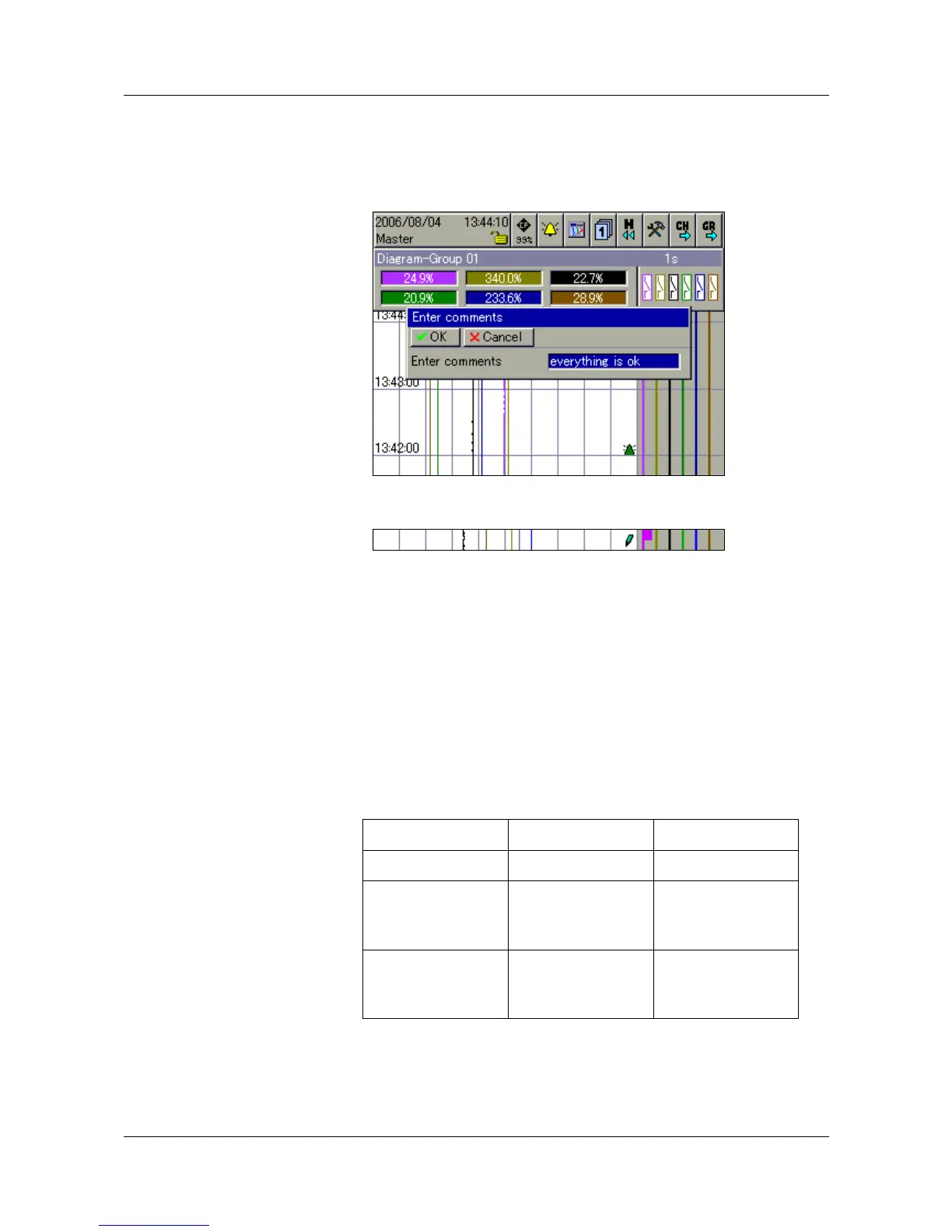
This function can be used to enter a text (max. length 31 characters) that is
entered in the event list when the input is completed.
In the curve presentation (in the displayed group), the text entry is marked by a
pencil symbol.
v Chapter 5 “Alarm and event lists”
v Chapter 3.3 “Curve presentation”
v Chapter 3.11 “Comment entry”
The text can now be found in the event list, under the heading “All events”,
and also under the corresponding batch.
If plants (batches) are used (parameter: Device manager
!
Configuration
!
Batches/plants
!
Gen. plant parameters
!
Number of plants is larger than 0), then the groups have a fixed
assignment to the plants (batches).
Plant number Group Plant (batch)
11—91
21—3
4—6
7—9
1
2
not assigned
31—3
4—6
7—9
1
2
3



 To Next Page