2 Device description
14
2.2 Operating principle and graphic elements
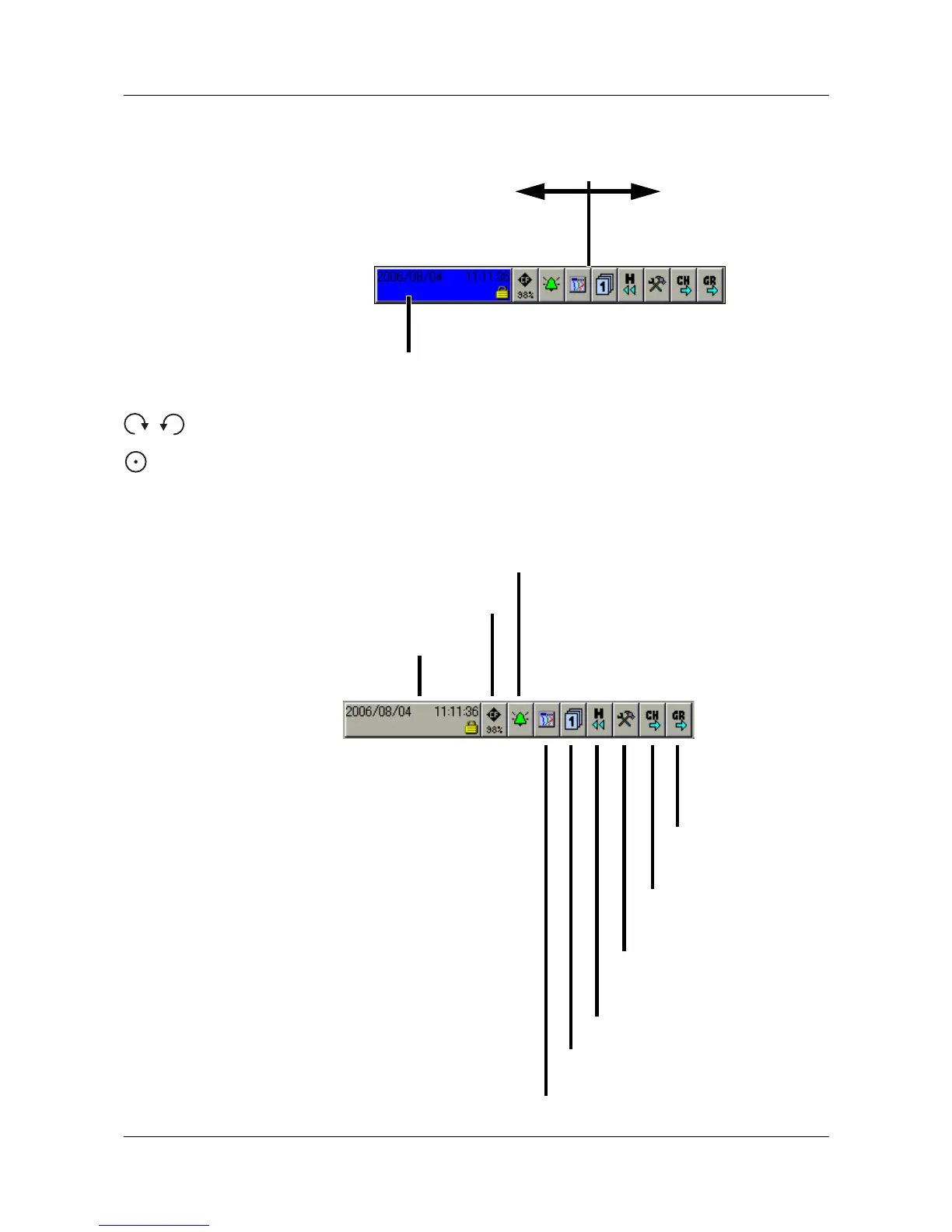
Header
The functions of the paperless recorder are selected in the header. The
selected function is indicated by a blue background.
- Function selection by rotating the control knob (to right or left).
- Function is activated by pressing the control knob.
The symbols and variable functions alter according to the function that is
currently active.
The following diagram shows the header for normal display when the vertical
diagram (curve display) has been selected.
Function is activated when
the control knob is pressed.
Fixed functions Variable function
with changing symbols
Group
step-on
Channel
step-on
Numerical
measurement display
(diagram header)
Memory presentation / history
(visualization of the data in the
internal memory)
Operator level
(visualization of current data)
Group selection
Device
manager
Memory manager
Alarm and event lists



 To Next Page