5 Alarm and event lists
46
5.2 Call from the memory presentation
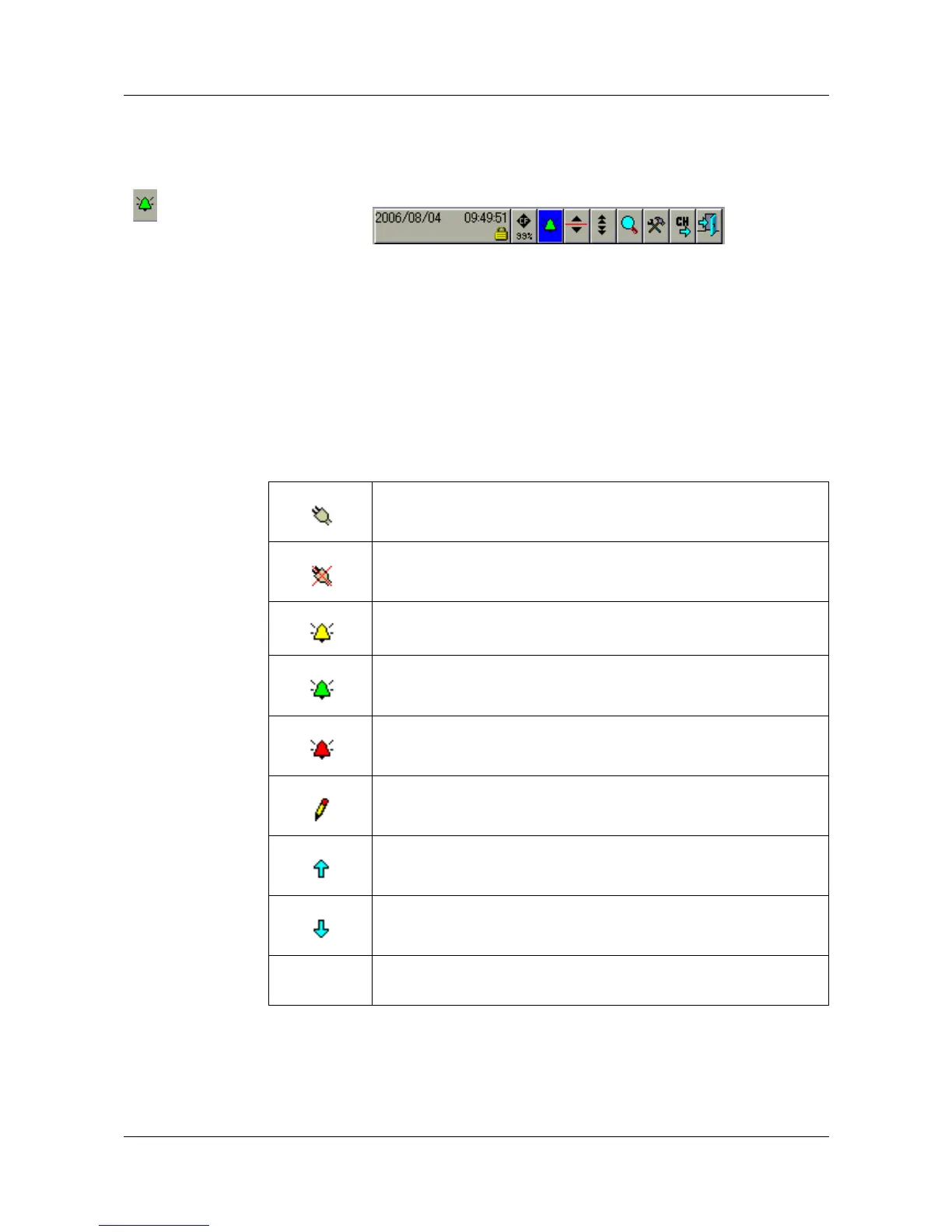
h In the header line, rotate the control knob to select the bell symbol, and
press the knob to activate the symbol.
In memory presentation mode, only the event list for the active group will be
shown.
Close list h Close the event list by pressing the control knob.
The memory presentation that was active before the list was called up will now
be displayed again.
5.3 Symbols
Power on (instrument has been switched on)
Power off (instrument has been switched off)
Error
Alarm disappears (alarm is no longer present)
Alarm occurs (an alarm is present)
Comment
Event occurs (e.g. binary input has been closed)
Event disappears (e.g. binary input has been opened)
(no
symbol)
other messages



 To Next Page