3 Operator level (visualization)
26
Channel
step-on
This function activates the scaling display. Repeated activation steps through
the scaling for the channels within the group, and then blanks it out again.
Group
step-on
Unlike “Group selection”, where any group can be selected, this function
selects the groups one after another.
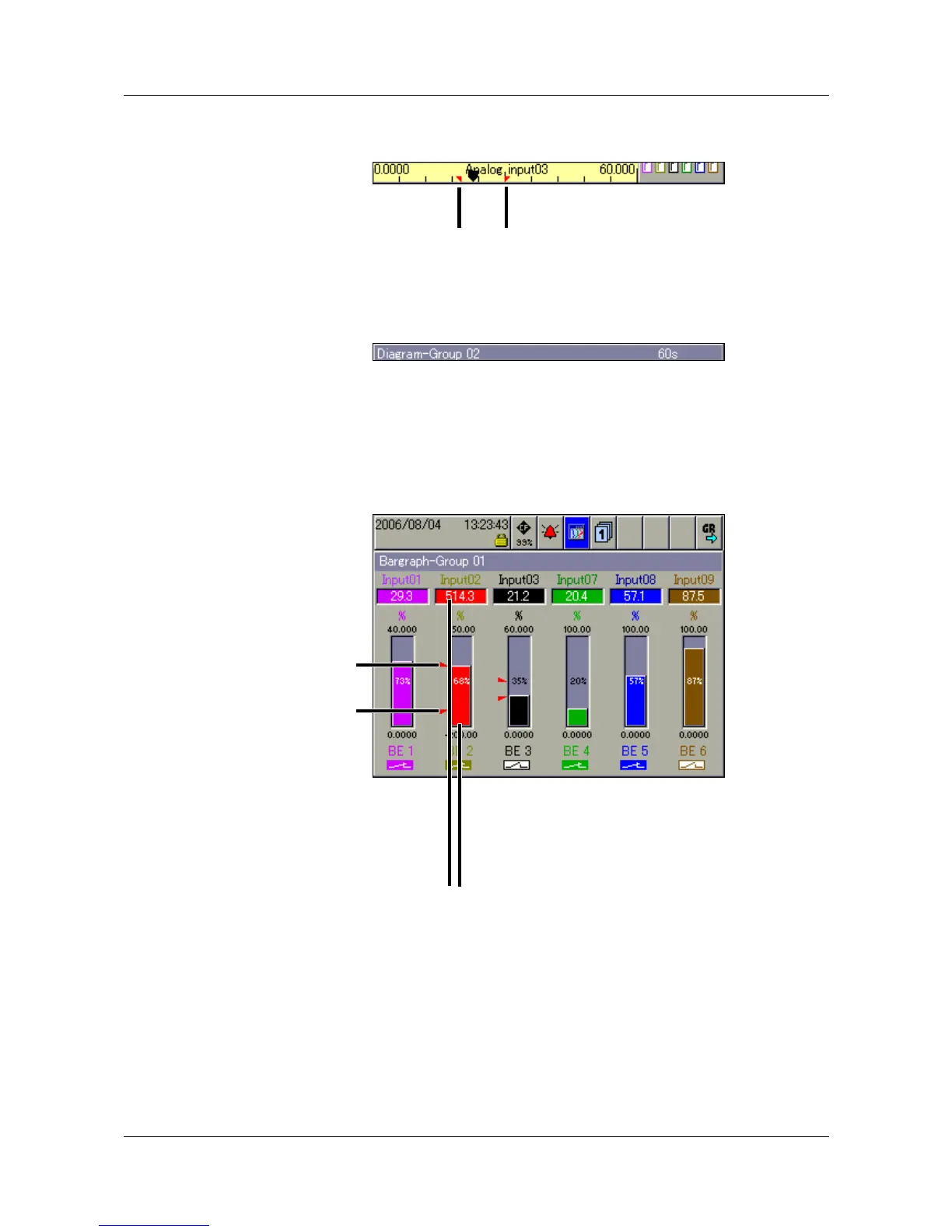
3.4 Bar graph presentation
In this visualization mode, the analog inputs are presented both numerically
and in bar graph form. In addition to the analog channels, the digital inputs can
also be visualized at the bottom of the display.
If only digital channels are to be presented, then Chapter 3.7 “Binary
presentation” is recommended.
Programmable
alarm limits
Configurable
alarm limits
An alarm (Alarm 1 or Alarm 2) is indicated by
an orange or red background. The colors
can be configured in the setup program.



 To Next Page