23
3 Operator level (visualization)
3.1 Activate operator level
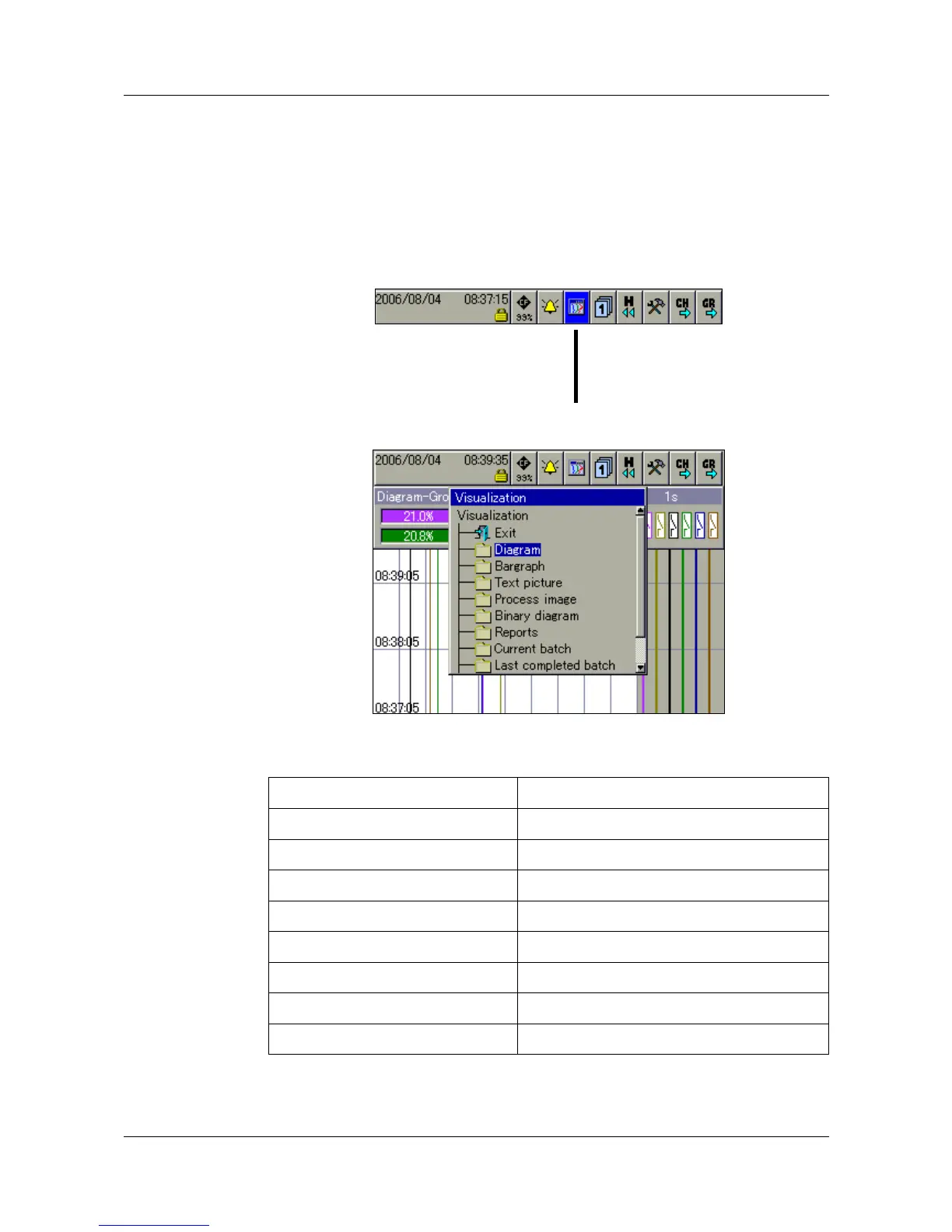
The type of visualization (curve presentation, bar graph etc.) is selected at the
operator level. Note that the appearance of the operator level can be
influenced by the configuration.
h Select the operator level by rotating the control knob.
h Activate the operator level by pressing the control knob.
You can alter the visualization after activating the operator level.
The functions in the header line will change, depending on the visualization.
The following types of visualization are available:
Curves v Chapter 3.3
Bar graph v Chapter 3.4
Text screen v Chapter 3.5
Process screen v Chapter 3.6
Binary v Chapter 3.7
Report v Chapter 3.8
Batches v Chapter 3.9
Counters and integrators v Chapter 3.10
Comment entry v Chapter 3.11
Operator level



 To Next Page