15
2 Device description
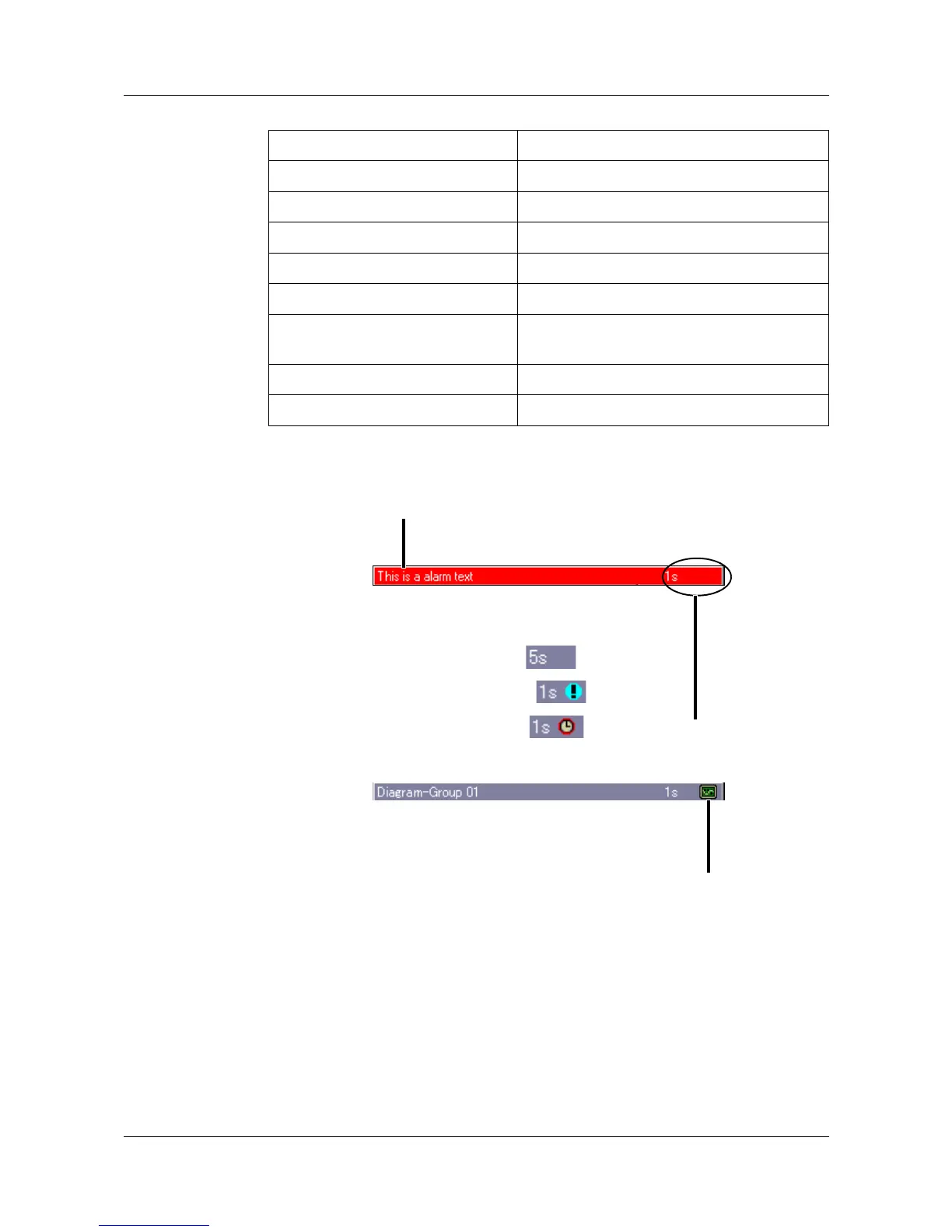
Status line
and title line
This line bar shows alarm and error messages, as well as events, general
information, and information about the current presentation mode (e.g.
sampling rate). It is automatically blanked out by the system if necessary.
Device manager v Chapter 7
Memory manager v Chapter 6
Alarm and event lists v Chapter 5
Operator level (Visualization) v Chapter 3
Group selection v See “Group selection” on Page 25.
Memory presentation v Chapter 4
Numerical measurement display v See “Numerical measurement display”
on Page 25.
Channel step-on v See “Channel step-on” on Page 26.
Group step-on v See “Group step-on” on Page 26.
Sampling rate and operating
mode:
= normal mode
= event mode
= timed mode
If the text is shown in red, this indicates
an error message.
A data-read by the PCA communications
software (PCC) is currently in progress.



 To Next Page