2 Device description
16
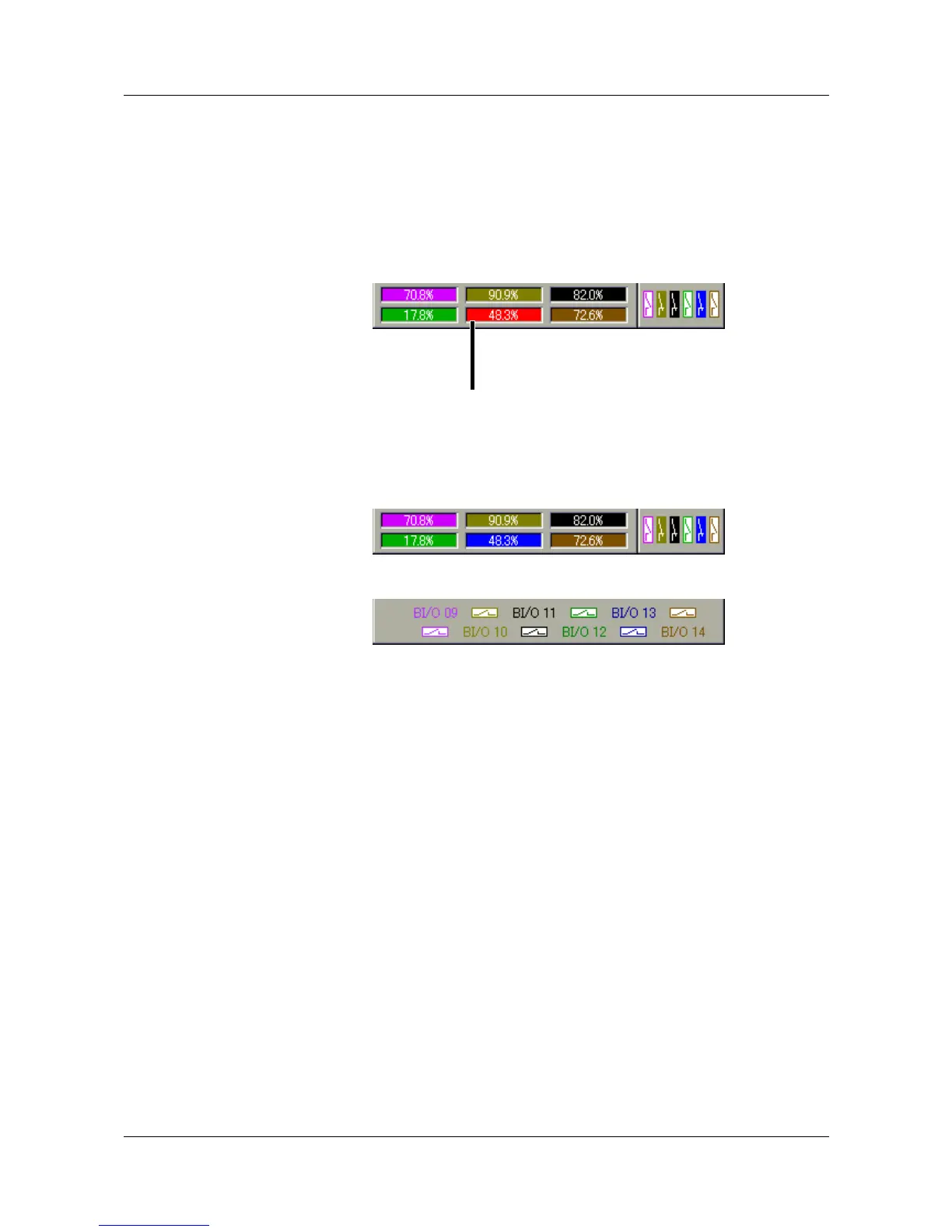
Numerical
measurement
display
(diagram header)
The numerical measurement display is available for the presentation modes:
- Curves
- History (curve display) and
- Digital diagram
In the curve presentation, the numerical display can be switched on and off.
This on and off switching also applies to the history representation.
If the numerical measurement display is switched on in the history (curve
presentation, you can switch between MIN and MAX display. Whether or not
MIN and MAX values are both available at the same time, depends on the
settings for the group operating mode.
In the digital presentation, the diagram header can be switched on and off.
An alarm for a channel is shown in
red (MAX alarm) or
orange (MIN alarm).



 To Next Page