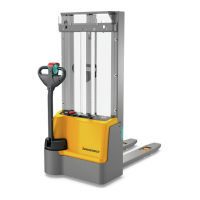
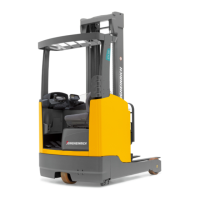
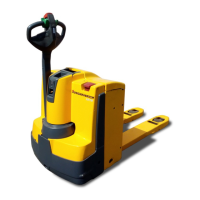
6 Operating the truck without its own drive system
Z
With the right optional equipment (o) it is possible to switch the truck to emergency
operation via the GF60 service key: The brakes are released electrically and the
truck can move without its own drive system, see page 117.
6.1 Release and activate the drive wheel brake
WARNING!
Accidental truck movement
When the brakes are de-activated the truck must be parked on a level surface, since
the brakes are no longer effective.
u
Do not release the brake on slopes or inclines.
u
Do not park the truck with the brake released.
u
Apply the brake again when you reach your destination.
Releasing the brake
Tools and Material Required
– Two M5x35 screws
– Spanner wrench
Procedure
• Switch off the truck, to do this:
• Turn the key in the key switch (15) anti-clockwise as far as it will go. Remove
the key from the key switch (15).
•
For CanCode (o) press the O key.
•
Press the red button on the ISM access module(o).
• Press the Emergency Disconnect switch (9).
• Open the battery panel, see page 54.
• Disconnect the battery.
• Remove the front panel (20), see page 185.
• Use wedges to prevent the truck from moving.
• Insert two M5x35 screws (73) as far as they will go in the brake (74) and lift up the
anchor plate.
Z
The two M5x35 screws (73) are used to tension (unlock) the compression springs
which activate the parking brake, so that the truck does not brake when de-
energised.
• Remove the wedges.
The brake is now released. The truck can be moved.
113
04.19 en-GB


 To Next Page
 Loading...