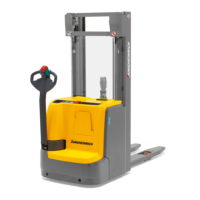
8.12 Using the Display:
8.12.1 Switch on the truck with the access code.
Procedure
• Release the emergency disconnect switch, see page 87.
• Enter the access code with the buttons below the display (97).
The truck is switched on.
8.12.2 Switching off the truck
Procedure
• Press the key under the "Switch off" symbol (105) in the
display unit.
• Press the Emergency Disconnect switch, see page 87.
The truck is switched off.
160
04.19 en-GB


 To Next Page
 Loading...