EasyManua.ls Logo

JVA Z13 - Programming Options Detail

JVA Z13
75 pages
Print Icon
To Next Page IconTo Next Page
To Previous Page IconTo Previous Page
Loading...
Page 38
Installation Programming Options
© JVA Technologies www.jva-fence.com JVA Z13 Manual
command was successful.
9.5 PROGRAMMING OPTIONS IN DETAIL
NOTE: The bold panel in each table indicates the default value.
9.5.1 
-
justed. The value entered is the Voltage level in 100s of volts.
T
For example: To change the power level to 6.8kV, enter 0168#.
-
cepted. The actual fence voltage depends on the amount of fence wire and

-

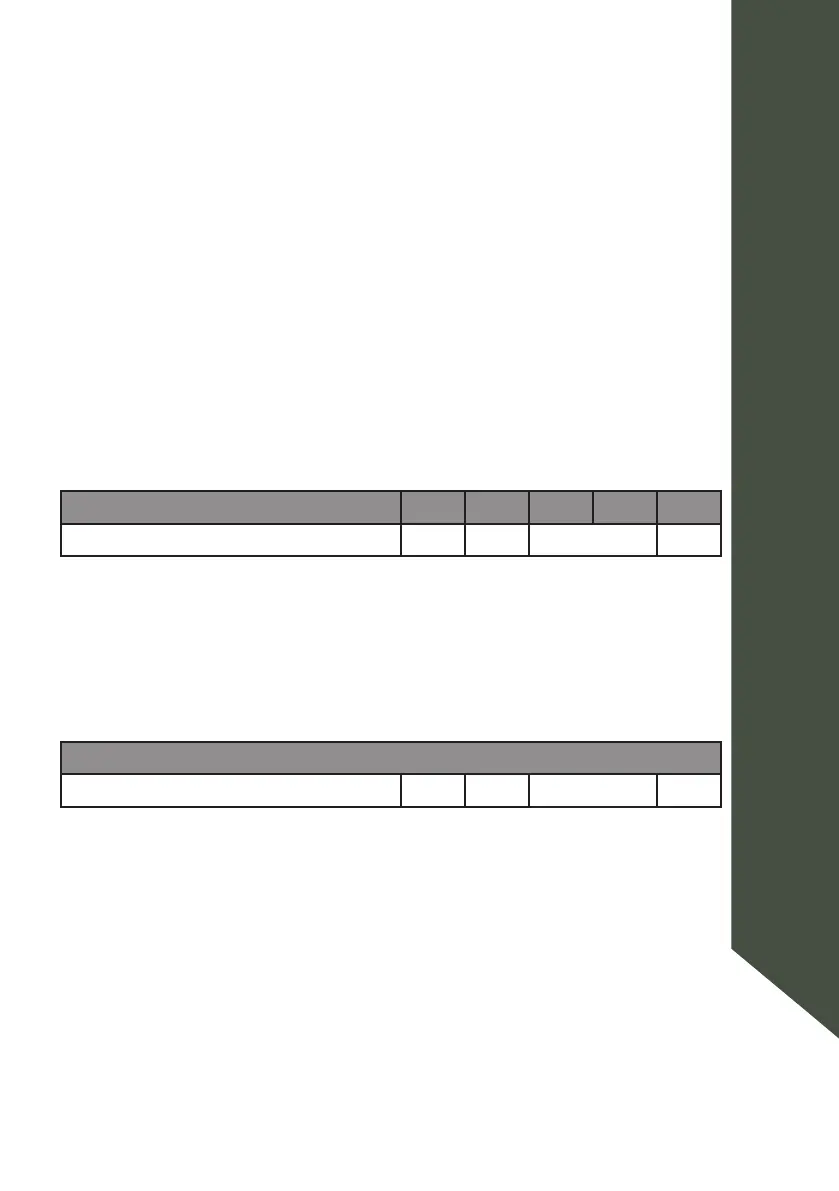
 Key1 Key2 Key3 Key4 Key5
High Power Level 0 1 100’s volts #
9.5.2 
Same as above, but for Low Power mode.
T
 Key1 Key2 Key3 Key4 Key5
Low Power Level 0 2 100’s volts #

Table of Contents

Related product manuals