Page 6
© JVA Technologies.
Quick Start Guide
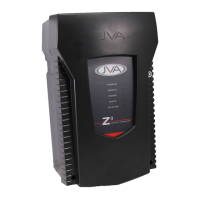
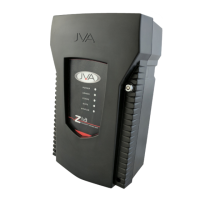
JVA Z13 Manual
2 QUICK START GUIDE
2.1 CHANGING THE PROGRAMMING OPTIONS
Default Installer PIN 012345
Default User PIN 1234
First you have to enter Programming mode.
Command Key1 Key2 Key3 Key4 Key5 Key6 Key7 Key8 Key9
Enter Programming Mode Installer Pin * 0 #
-
curity Energizer. Default Values are highlighted in grey.
Command Key1 Key2 Keys 3 and 4 Key5
Change The Installer
PIN 6 Digits
0 0 Enter the new 6 digit Installer PIN #
High Power Mode
Power Level
0 1 Enter the value in Hundreds of Volts #
Example: to set 8.2kV, use 82 for keys 3 and 4. Default is 99 (9.9kV)
Low Power Mode
Power Level
0 2 Enter the value in Hundreds of Volts #
Example: to set 1.3kV, use 13 for keys 3 and 4. Default is 20 (2.0kV)


 To Next Page