64
BR-DV6000 is designed to be capable to make tape-to-tape editing by RM-G800/G805 JVC bus
remote controller or RM-G820 as well as other equivalent RS-422A remote controller. Of course, it
can be applied to feeder player.
• +/– 0 frame editing accuracy with time code, capstan bump (for both recorder and player) and external
sync by RS-422A editing controller.
• Ready for A/B roll editing.
• Digital editing via DV interface.
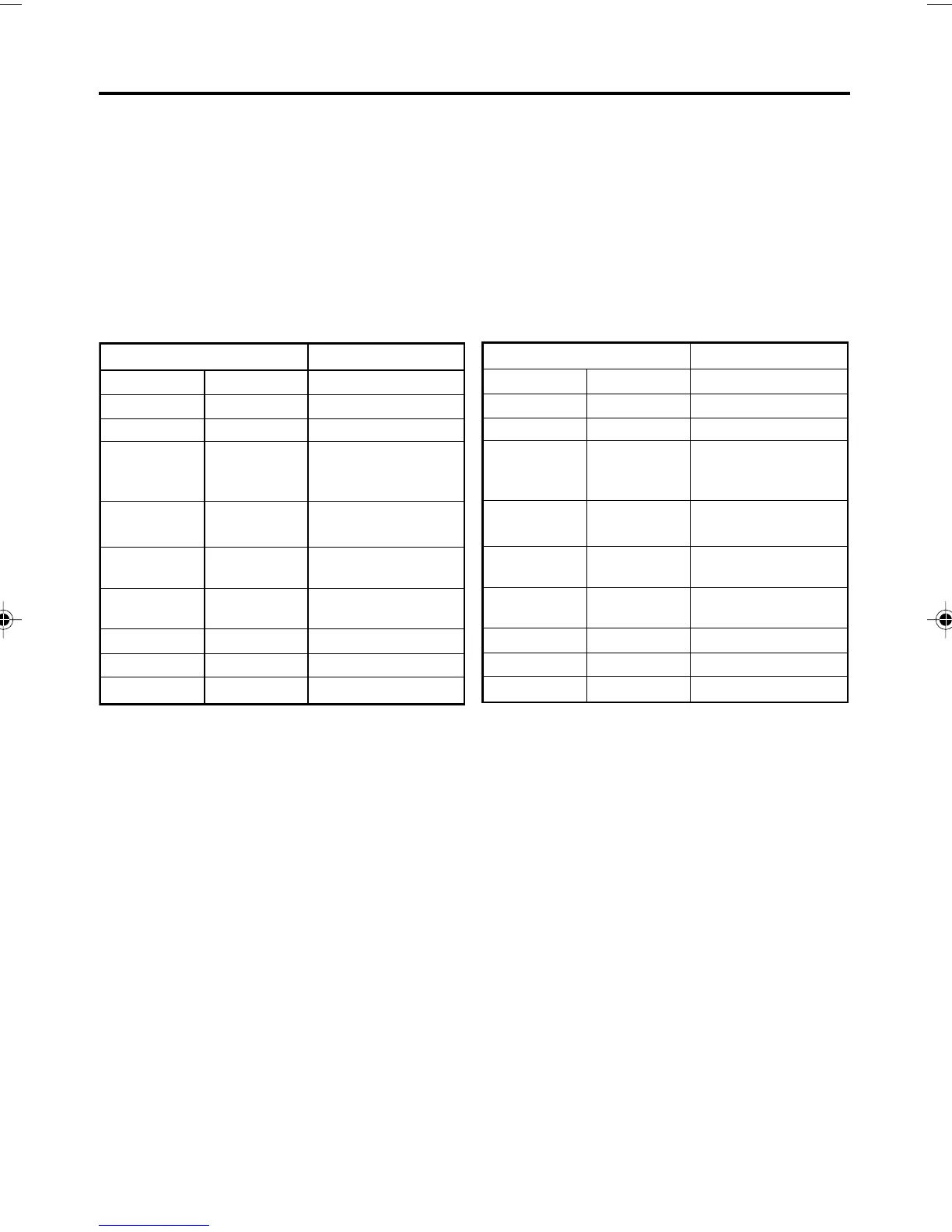
Chart for editing mode when BR-DV6000 is used as editing recorder
1) Editing over recorded tape with 48 kHz au-
dio in analog interface
2) Editing over recorded tape with 32 kHz au-
dio in analog interface
*:In this mode, even when you start auto edit,
editing will automatically stop and warning
message will appear. But, preview edit will be
performed without any warning message.
*
2
: In case of CH1/CH2/CH3/CH4 simultaneous
insert or assemble edit mode of 32 kHz audio,
input signal to audio input connector CH1/CH3
is recorded onto CH1 and CH3 tracks simulta-
neously and input signal to audio input con-
nector CH2/CH4 is recorded onto CH2 and CH4
tracks simultaneously.
ASSEM
ASSEM
INS V
INS VA
INS A
INS A1
INS A2
INS TC
INS VA1
INS VA2
Yes
Yes
Yes
Yes
No
No
Yes
No
No
VIDEO
VIDEO
AUD-1
AUD-2
AUD-1
AUD-2
VIDEO
AUD-1
VIDEO
AUD-2
AUD-1
AUD-2
TC
*
*
*
*
Edit mode Analog editing
Mode select OSD 48 kHz mode
ASSEM
Edit mode Analog editing
Mode select OSD 32 kHz mode
ASSEM
INS V
INS VA
INS A
INS A12
INS A34
INS TC
INS VA12
INS VA34
VIDEO
VIDEO
AUD-1
AUD-2
AUD-1
AUD-2
VIDEO
AUD-1
VIDEO
AUD-2
AUD-1
AUD-2
TC
*
*
*
Yes
Yes
Yes
Yes
Yes
Yes
Yes
Yes
Yes
2
2
2
EDIT – Editing with an RS-422A/JVC bus edit remote controller –
DV6000U_52-071_Eng.p65e 06/03/03, 11:40 PM64



 To Next Page