20
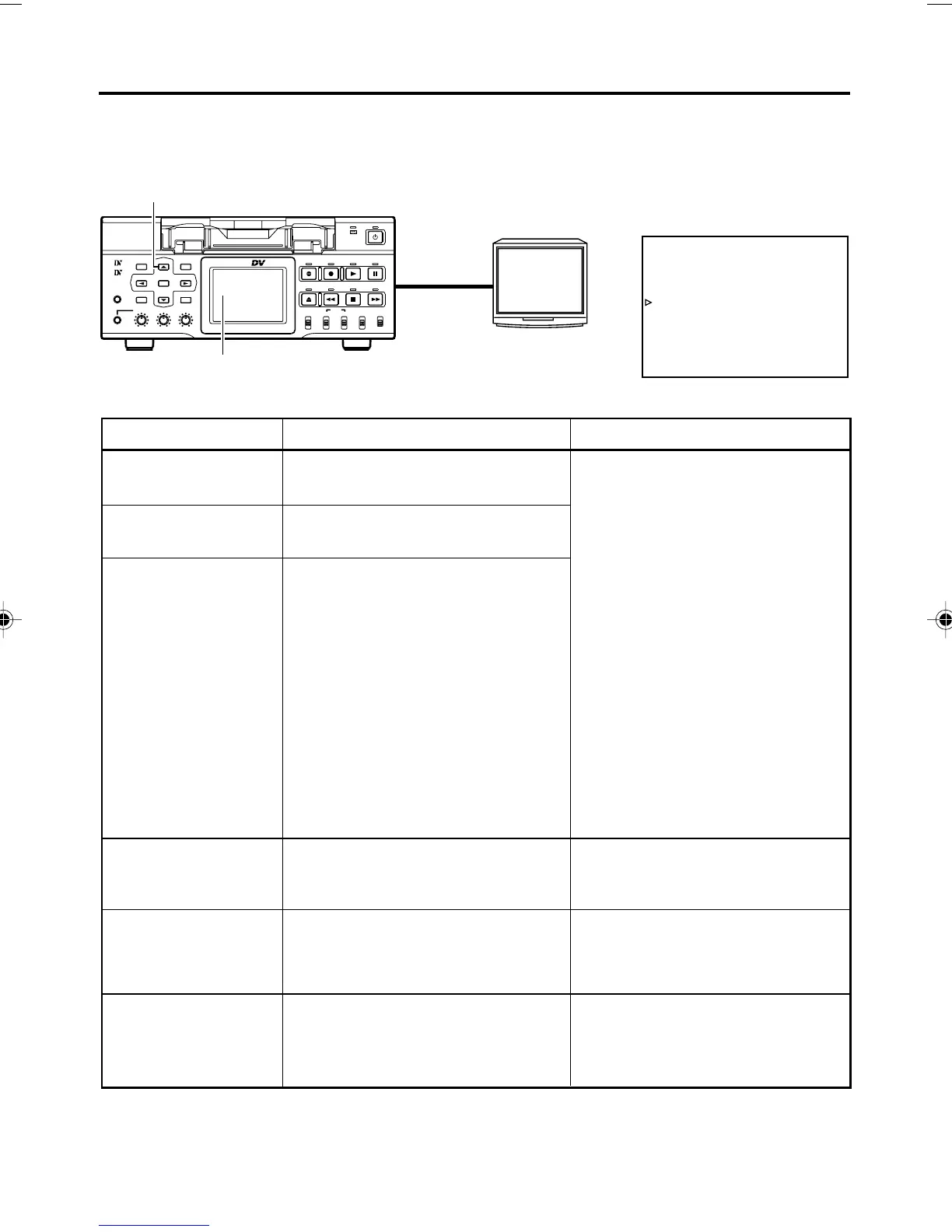
Besides E-E images and playback images, the monitor connected to the VIDEO MONITOR OUT
terminal provides the following on-screen information. Press the DISPLAY button to display the
same information on the LCD screen of BR-DV6000.
On-screen display Description Operation
Status display
Event display
Alarm display
Warning display
Menu display
Multi Cue-up screen
Displays the setting status of the VCR
operation mode, date/time, counter.
Displays the operating status of blank
search, index recording/search.
Displays error/alarm messages for in-
correct operation or improper condi-
tion of BR-DV6000.
When an error occurred with the VCR,
it displays warnings with the relevant
error codes. (☞ Page 98)
Displays the menu setting screen.
(☞ Page 69)
Displays the Multi Cue-up screen for
registering or selecting cue-up
(searching) point. (☞ Page 54)
Settings can be performed with DIS-
PLAY in the DISPLAY (1/2) Menu
screen.
ON : Always display. According
to each event or error, the
event and alarm displays
are shown for about 3 sec-
onds.
AUTO : It displays for about 4 sec-
onds during mode
changes.
OFF : No on-screen display. The
alarm display is shown ac-
cording to errors, which
occurred.
Display on the LCD
The on-screen display changes
whenever the DISPLAY button is
pressed.
(☞ Page 26)
It is displayed automatically when an
error with the VCR occurred.
When BR-DV6000 enters the STOP/
STILL mode or no cassette tape is
loaded, the menu is displayed when
the MENU button is pressed.
When BR-DV6000 enters the STOP,
STILL or PLAY mode, press the Cue-
up button to display the Multi Cue-
up screen.
DISPLAY (1/2) Menu screen
DISP button
LCD screen
Monitor
ON-SCREEN DISPLAY – On-screen display –
BR-DV6000
PROFESSIONAL
MENU RESET
A.DUB
EJECT
COUNTER
AUDIO INPUT
SELECT
MONITOR OUTPUT REMOTE
LOCAL
CTL L
MIX
R
CH-1/2
MIX
CH-3/4
DV
LINE
Y/C
(CPN)
TC
UB
REW STOP FF
REC
OPERATE
PLAY PAUSE
DISP
SET SEARCH+
BLANK CUE UP
HOLD
PHONES REC LEVEL
CH-1/3 CH-2/4
MIC
SEARCH–
Mini
VIDEO
MONITOR
OUTPUT
–––DISPLAY[ 1 / 2 ] –––
LCD BR IGHTNESS 0
LCD CHROMA 0
LCD CONTRAST 0
LCD AUTO OFF OFF
DISPLAY ON
COUNTER POS I . LOWER - R
NEXT PAGE
PAGE BACK
DV6000U_02-027_Eng.p65e 06/03/03, 11:39 PM20



 To Next Page