87
B0
B1
B2
B2
VISS FORWARD :
Index search in the forward direction.
For the index search position, enter a
3-digit number (001-099) following the
command.
When a 3-digit number has been en-
tered, index search starts.
If ENTER (40H) is transmitted before
all three digits are entered, the remain-
ing digit(s) are considered as “0” (30H),
and index search starts.
VISS REV :
Index search in the reverse direction.
For the index search position, enter a
3-digit number (001-099) following the
command.
When a 3-digit number has been en-
tered, index search starts.
If ENTER (40H) is transmitted before
all three digits are entered, the remain-
ing digit(s) are considered as “0” (30H),
and index search starts.
CUE UP WITH DATA :
Use this command to cue up a speci-
fied point on the tape. When the tape
is cued, COMPLETION is returned
and the Pause mode becomes effec-
tive.
To specify a cue point, transmit the
time data (hour: minute: second: frame,
a total of 8 bytes with 2 bytes for each)
following this command. By transmit-
ting ENTER (40H) with the time data,
transmission of lower data becomes
unnecessary. In such a case, “0” is
transmitted. If the specified point can-
not be found, NOT TARGET (05H) is
returned.
CUE UP AND PLAY WITH DATA:
Use this command to cue up a speci-
fied point on the tape. When the tape
is cued, COMPLETION is returned
and the Play mode becomes effective.
To specify a cue point, transmit the
time data (hour: minute: second: frame,
a total of 8 bytes with 2 bytes for each)
following this command. By transmit-
ting ENTER (40H) with the time data,
transmission of lower data becomes
unnecessary. In such a case, “0” is
transmitted. If the specified point can-
not be found, NOT TARGET (05H) is
returned.
J1
B
B
B5
B6
CO
C1
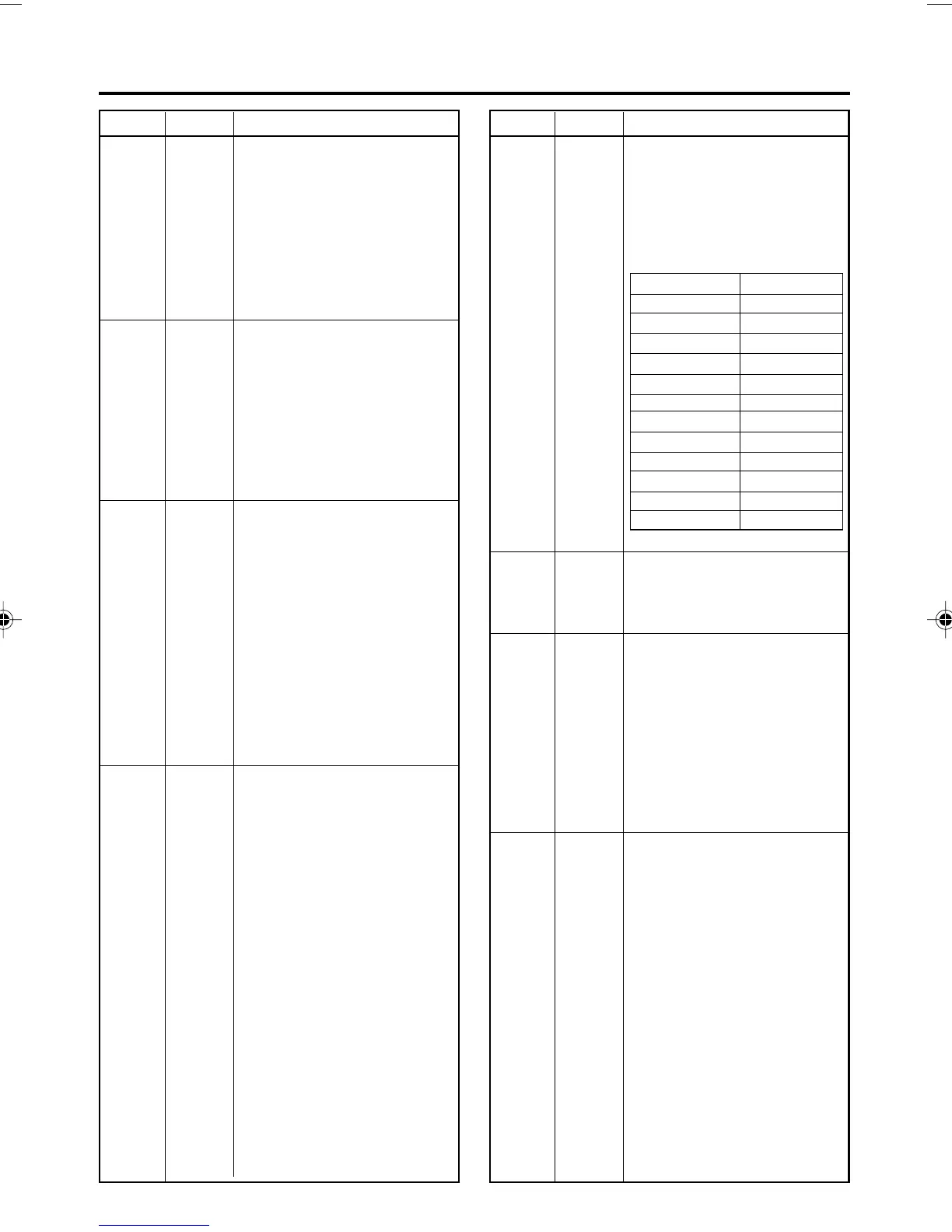
F-SHUTTLE :
Shuttle play. The search speed is
specified by sending the speed code
data after this command (see the ta-
ble below).
3Bh and 3Ch are effective only for B5.
R-SHUTTLE :
Shuttle reverse play. The search speed
is specified by sending the speed code
data after this command (see the ta-
ble above).
AUTO EDIT KEY :
Audio editing with the VCR.
• It is required that the editing chan-
nel is selected in [E5: Edit Preset].
•This audio editing command must be
used with [FA: Rec Request].
• Preroll time can be set with [E6:
Preroll Time Preset]. Without this
setting, the VCR menu switch set-
tings are followed.
• Upon the completion of auto editing,
the VCR returns [01: Complete].
PREVIEW KEY :
Preview with the VCR
• It is required that the editing chan-
nel is selected in [E5: Edit Preset].
• This preview command must be
used with [FA: Rec Request].
• Preroll time can be set with [E6:
Preroll Time Preset]. Without this
setting, the VCR menu switch set-
tings are followed.
• Upon the completion of preview, the
VCR returns [01: Complete].
Speed code Search speed
30h STILL
31h 0.1
32h 0.2
33h 0.33
34h 0.5
35h 1
36h 2
37h 5
38h 10
39h 20
3Bh X0.90
3Ch X1.07
Speed code table
(Supported speed only)
J1
J1
B
J1
Table Command Description Table Command Description
DV6000U_72-104_Eng.p65e 06/03/03, 11:42 PM87



 To Next Page