Adjusting the Digital Video Cassette Camera with JVC Service Support System Software
7
6.
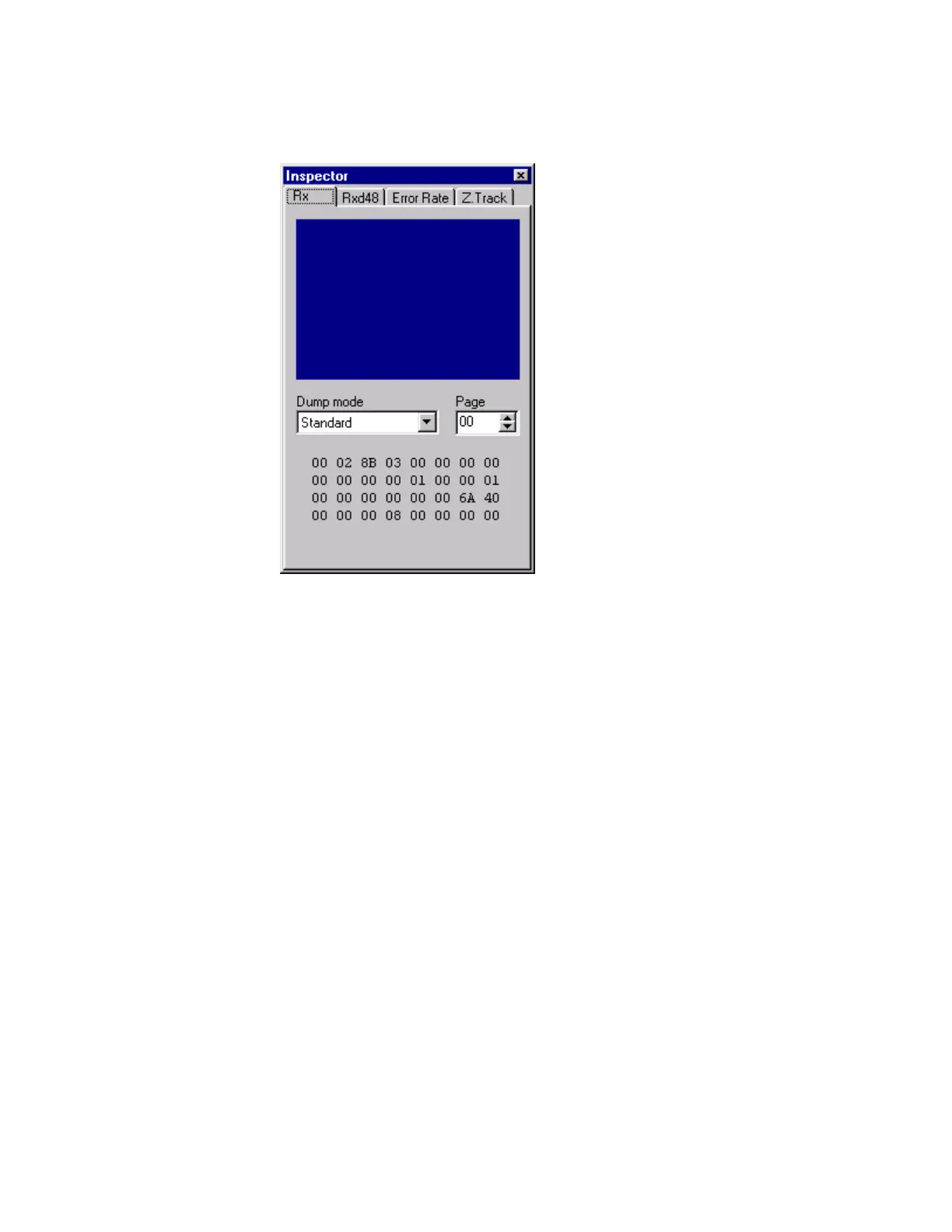
The Inspector window appears. Close the Inspector window by clicking the
Close button, that is the x button in the upper right corner of the window.
Figure 7 Inspector Window
7.
Notice that the window contains a menu bar and a toolbar. The menu bar
has three menus with several entries:
• File
• Inspector
• Controller
• Camera
• DSP
• Deck
• VTR Automatic Running Utility
• EEPROM Utility
• Emergency Utility
• Adjustment Utility
• Exit



 To Next Page