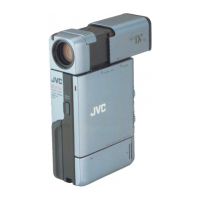
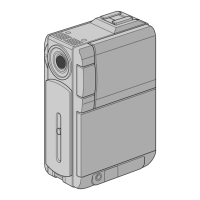
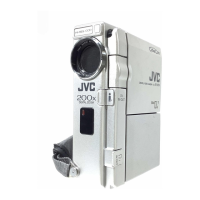
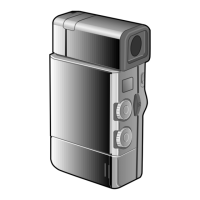
Digital Video Cassette Technology
8
• Option
• Set Clock
• About CPU
• Help
• About
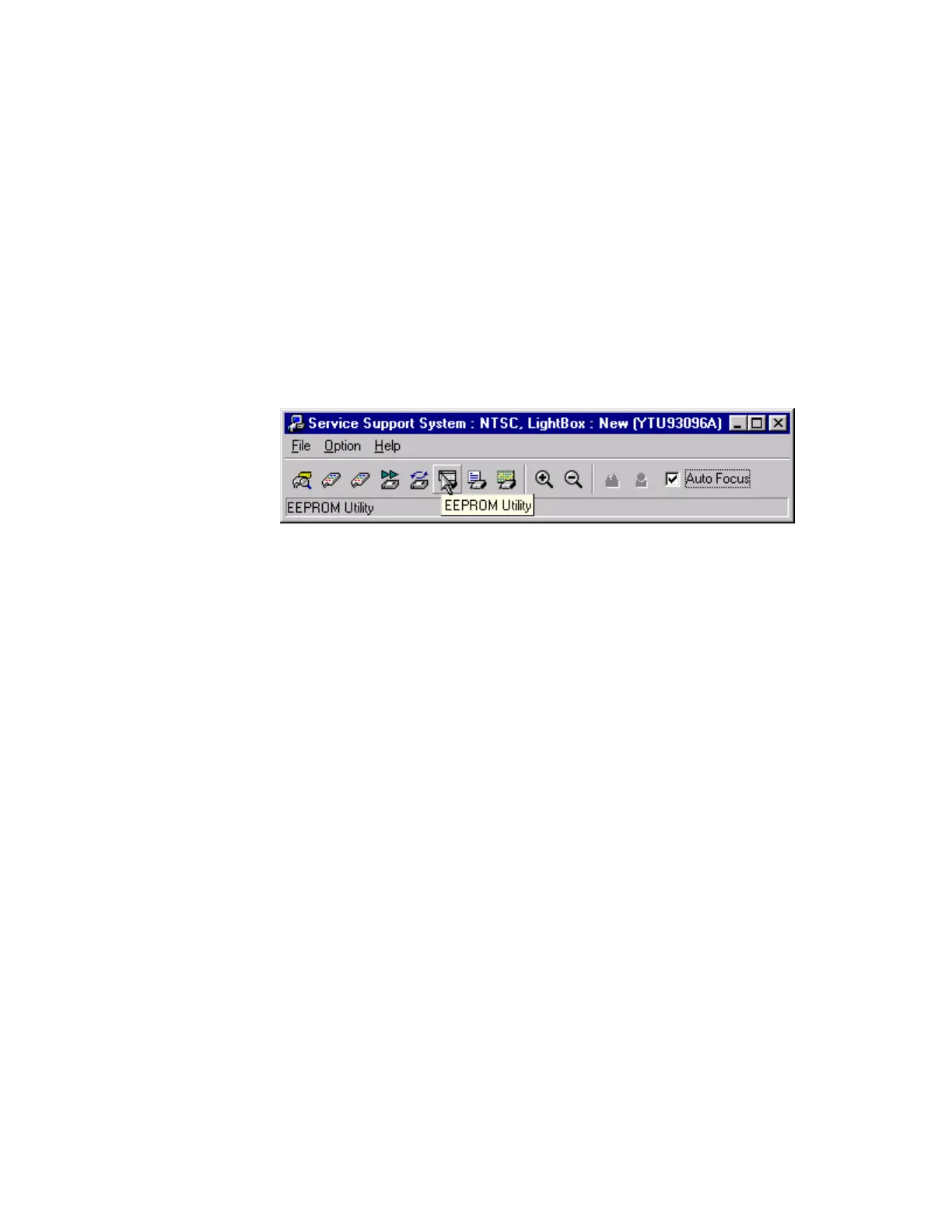
8. The toolbar has 12 buttons. Position the mouse pointer over each button on
the toolbar. Notice that an on-screen description of the toolbar button
appears. These descriptions are called ToolTips. The ToolTips disappear
after several seconds.
In addition, the toolbar button description also appears in the status bar.
Figure 8 ToolTips
The description for each of the 12 buttons on the toolbar is:
• Inspector
• Camera Controller
• DSP Controller
• Deck Controller
• VTR Automatic Running Utility
• EEPROM Utility
• Emergency Utility
• Adjustment Utility
• Zoom Tele
• Zoom Wide
• Focus Far
• Focus Near



 To Next Page