Adjusting the Digital Video Cassette Camera with JVC Service Support System Software
37
Status Information
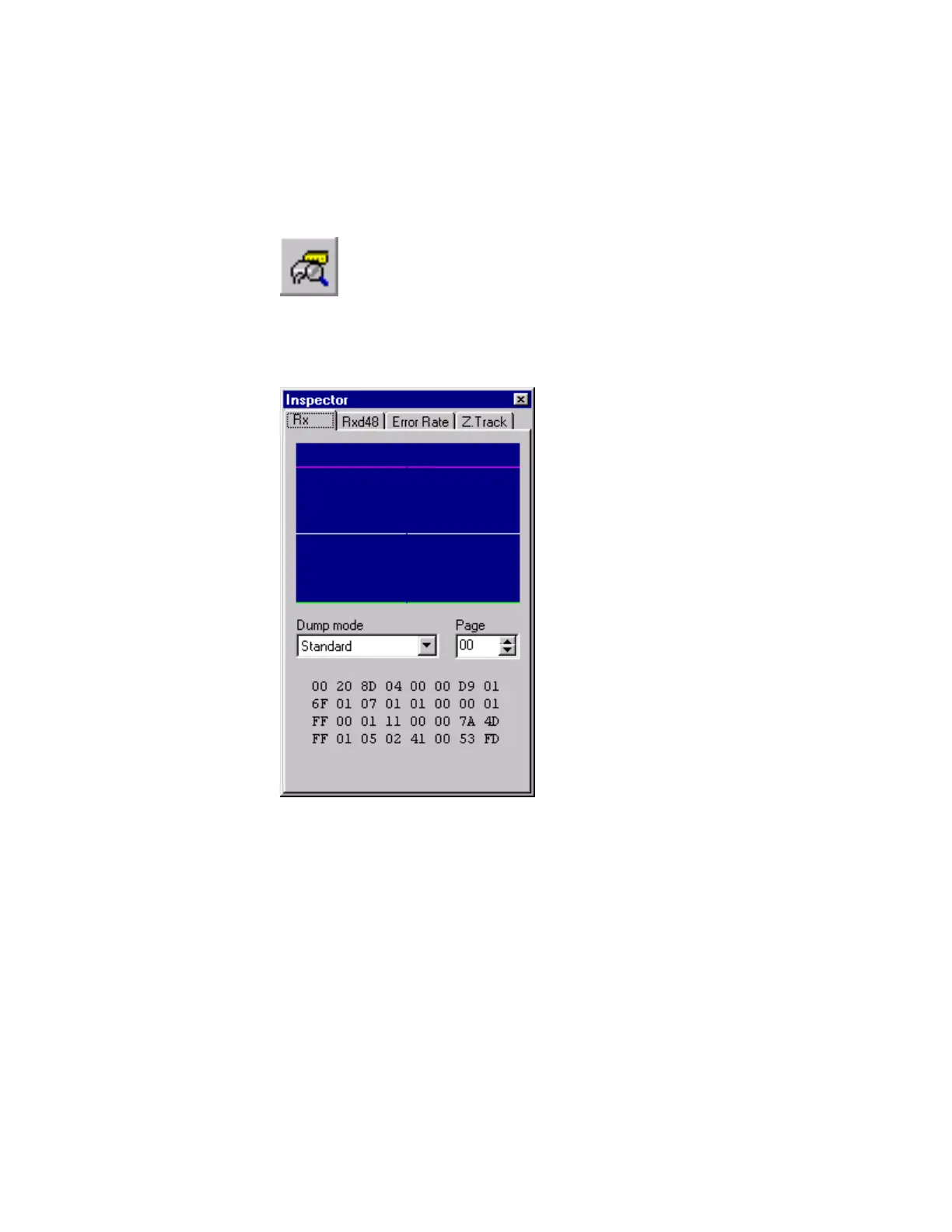
You can obtain raw data concerning the performance of the camera. This information is
provided by the Inspector window. The Inspector window is the one that opens when the
software is started.
1. Click the Inspector button on the toolbar.
Figure 70 Inspector Toolbar Button
2. The Inspector window is displayed.
Figure 71 Inspector Window



 To Next Page