Digital Video Cassette Technology
60
Y Gain Adjustment
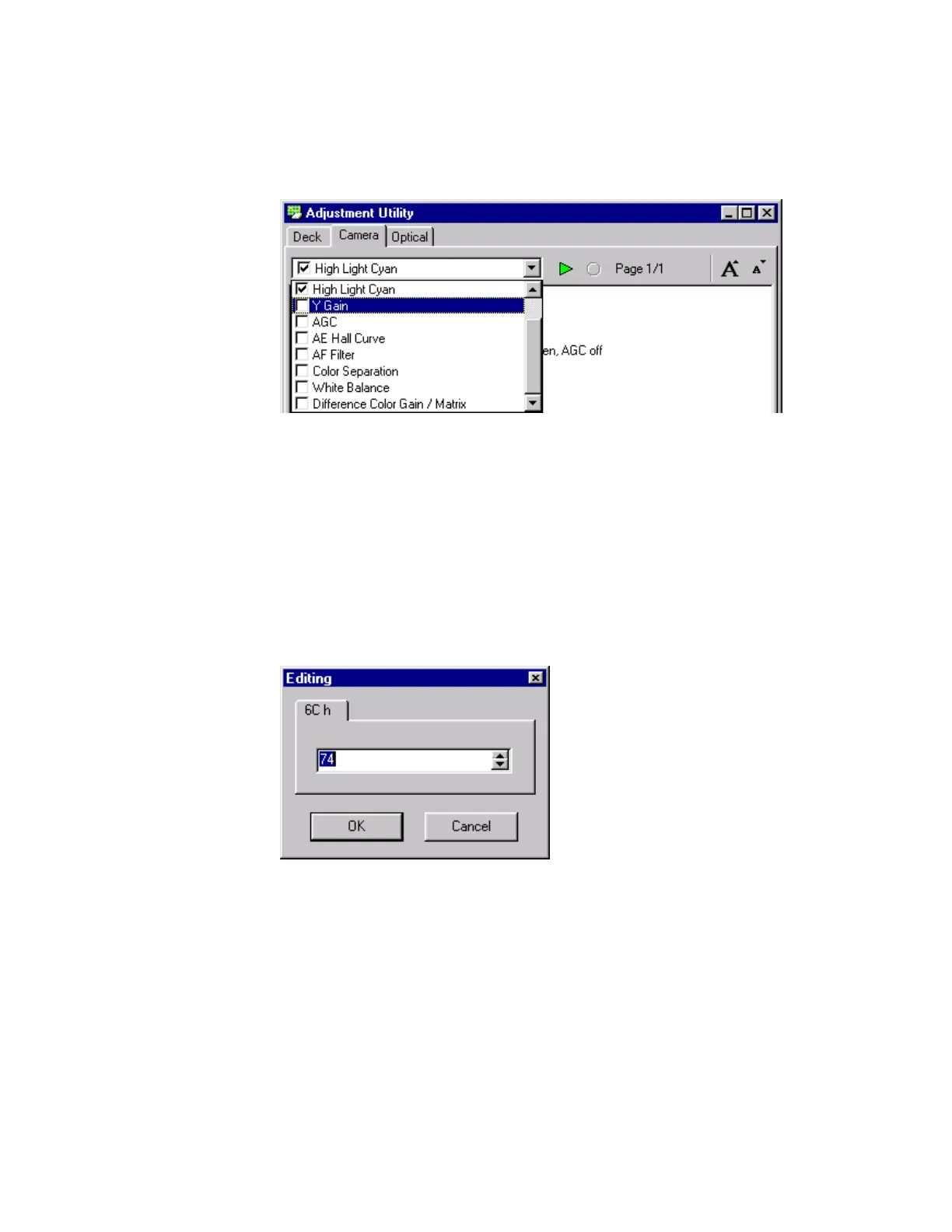
1. Select the Y Gain procedure in the list box in the Adjustment Utility
window.
Figure 97 Y Gain Adjustment
2.
Read the procedure.
3. Remove the Chart Holder from the Light Box so the camcorder is shooting
the ground glass in the Light Box.
4. Click the Start button in the Adjustment Utility window. The Confirmation
window appears.
5. Click the Yes button in the Confirmation window. The Editing window
appears.
Figure 98 Editing Window



 To Next Page