Adjusting the Digital Video Cassette Camera with JVC Service Support System Software
25
Failure Information
You can obtain information about the last three failures the camera experienced.
Use the following procedure to retrieve and store failure information.
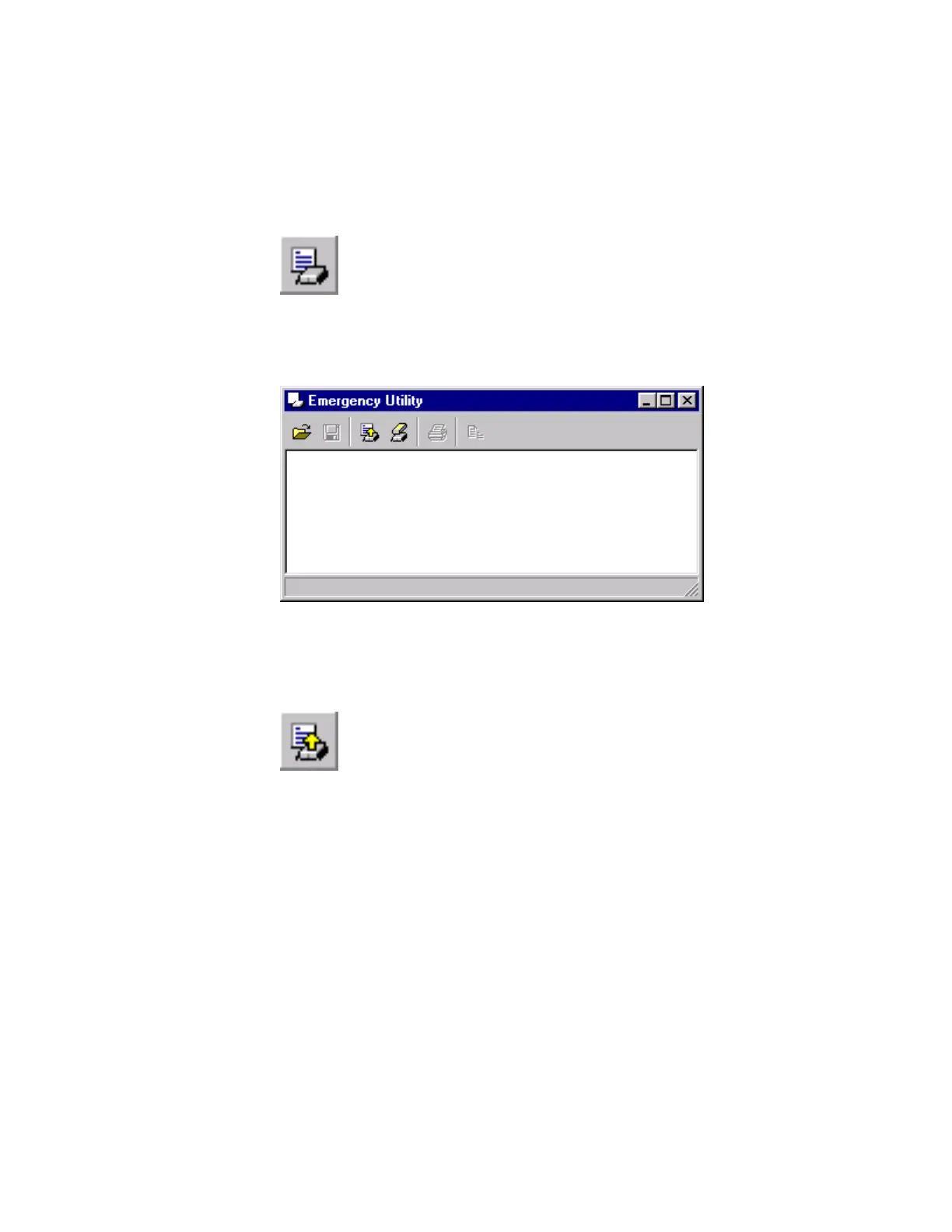
1. Click the Emergency Utility toolbar button.
Figure 35 Emergency Utility Toolbar Button
2. The Emergency Utility window appears.
Figure 36 Emergency Utility Window
3.
Read the camera’s failure information.
Click the Read button on the Emergency Utility toolbar.
Figure 37 Read Toolbar Button



 To Next Page