Adjusting the Digital Video Cassette Camera with JVC Service Support System Software
61
6.
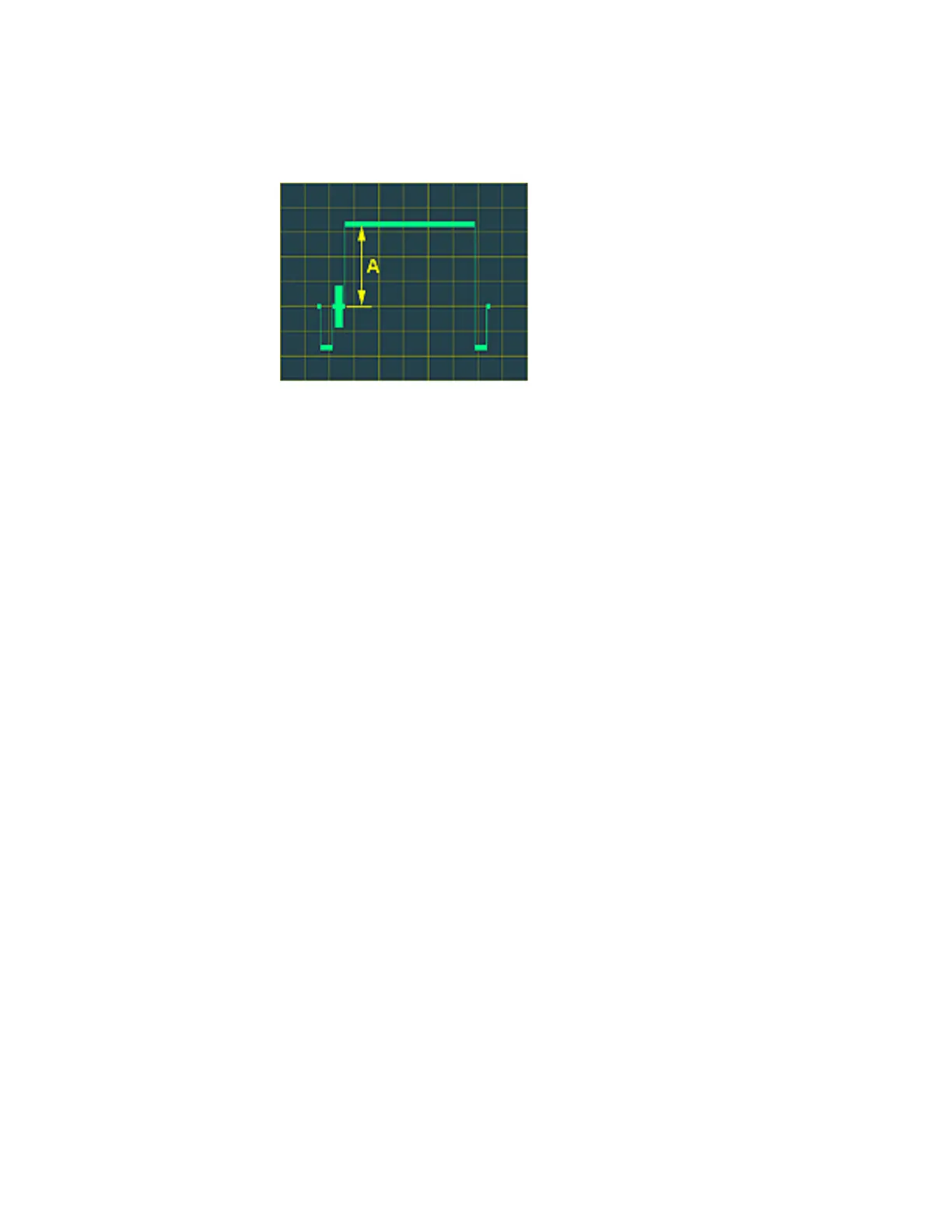
Use an oscilloscope to observe the video output signal. Click the Up and
Down Arrows in the Editing window to set the amplitude of the video
output signal from the blanking level to the peak to 0.70 ± 0.01 V p - p.
Figure 99 Y Gain Amplitude
7. Then click the OK button in the Editing window. The Information window
appears.
8. Click the OK button in the Information window.
This completes the Y Gain adjustment.



 To Next Page