Digital Video Cassette Technology
36
3.
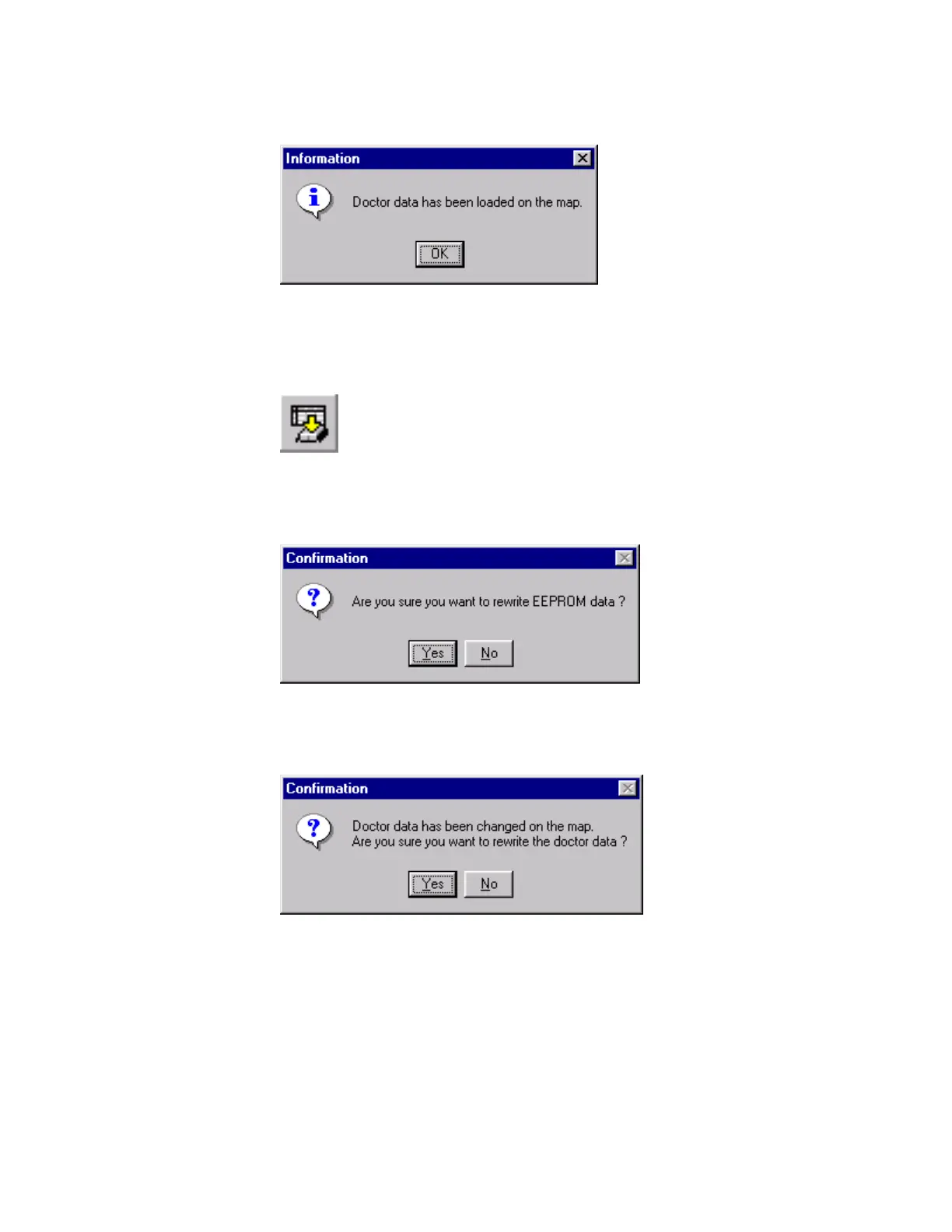
Click OK in the Information window.
Figure 66 Information Window
4.
Now write the data to the unit.
Click the Write button on the EEPROM Utility toolbar.
Figure 67 Write Toolbar Button
5. Click the Yes button in the Confirmation window.
Figure 68 Confirmation Window
6. Click the Yes button in the next Confirmation window.
Figure 69 Confirmation Window
7.
The unit’s operating software is updated.
8. Close the EEPROM Utility window.



 To Next Page