Adjusting the Digital Video Cassette Camera with JVC Service Support System Software
71
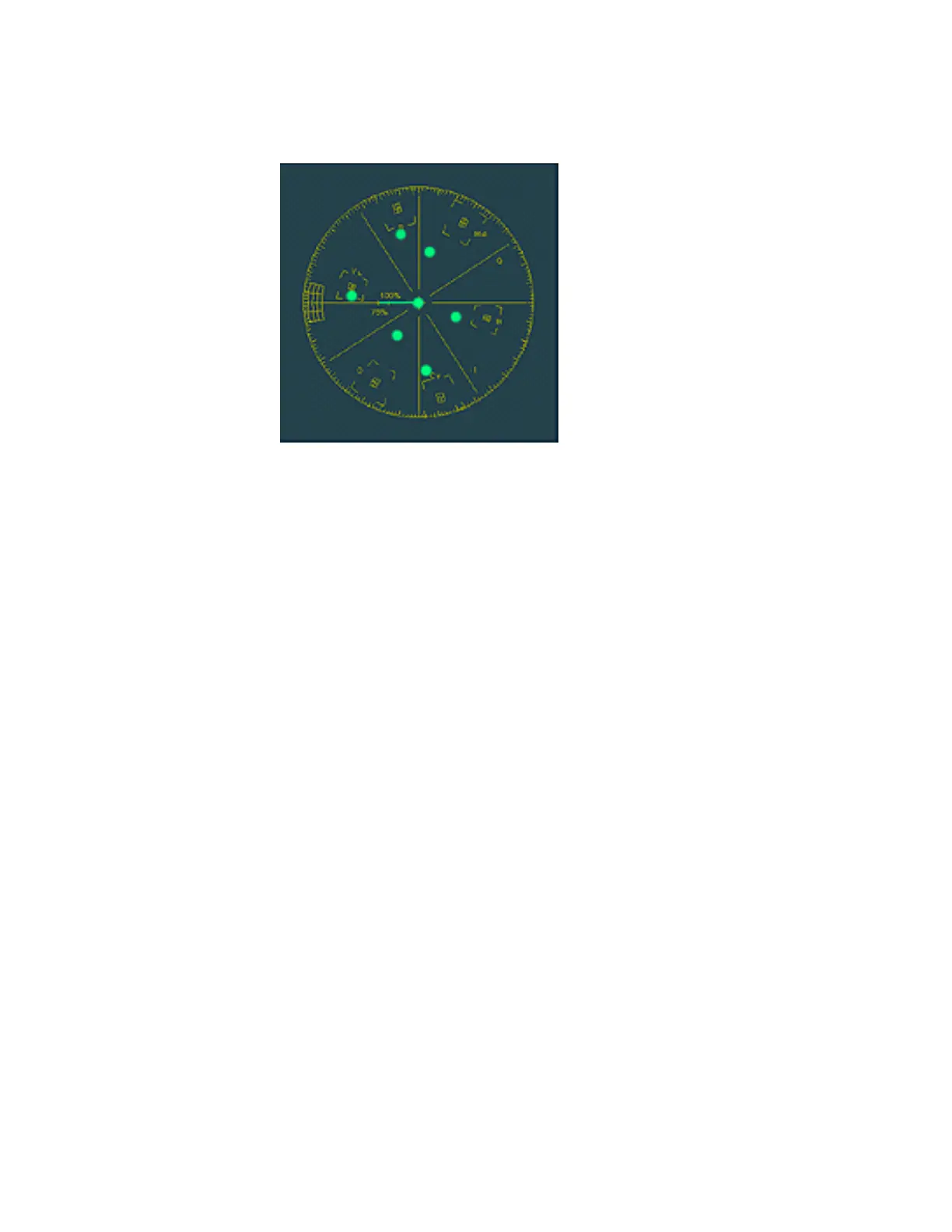
22. Use the techniques learned in the above steps and adjust the unit so the
waveform observed on the vectorscope matches the figure below.
Figure 112 Difference Color Gain / Matrix Adjustment (2)
23. Click the OK button in the Editing window.
24. Click the OK button in the Information window when it appears.
25. Remove the filter from the filter slot of the Light Box.
This completes the Camera Processing Adjustments.



 To Next Page