15KANE 358 MANUAL
STATUS BAR MENU OPTIONS
The Status Bar will oer the user contextual menu items based on the
items displayed on the screen.
STANDARD OPTIONS
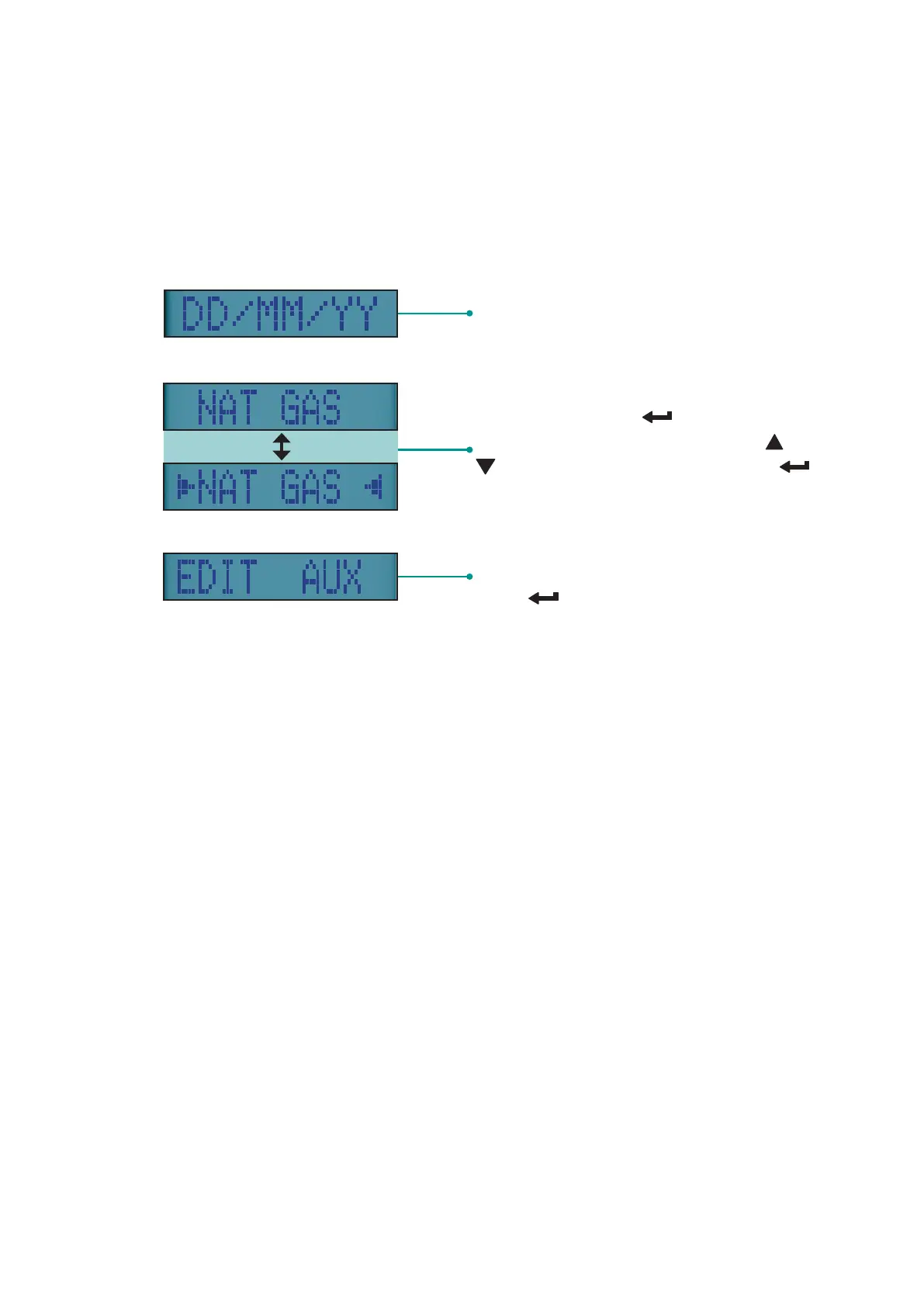
Date
Displays selected fuel type - To
change, long press button to
display selection indicators. Press or
buttons to select fuel then press
button
Turn rotary dial to Aux position to make
changes to the AUX screen then long
press button until cursor flashes



 To Next Page