6 KANE 358 MANUAL
KEYPAD BUTTONS
ICON DESCRIPTION
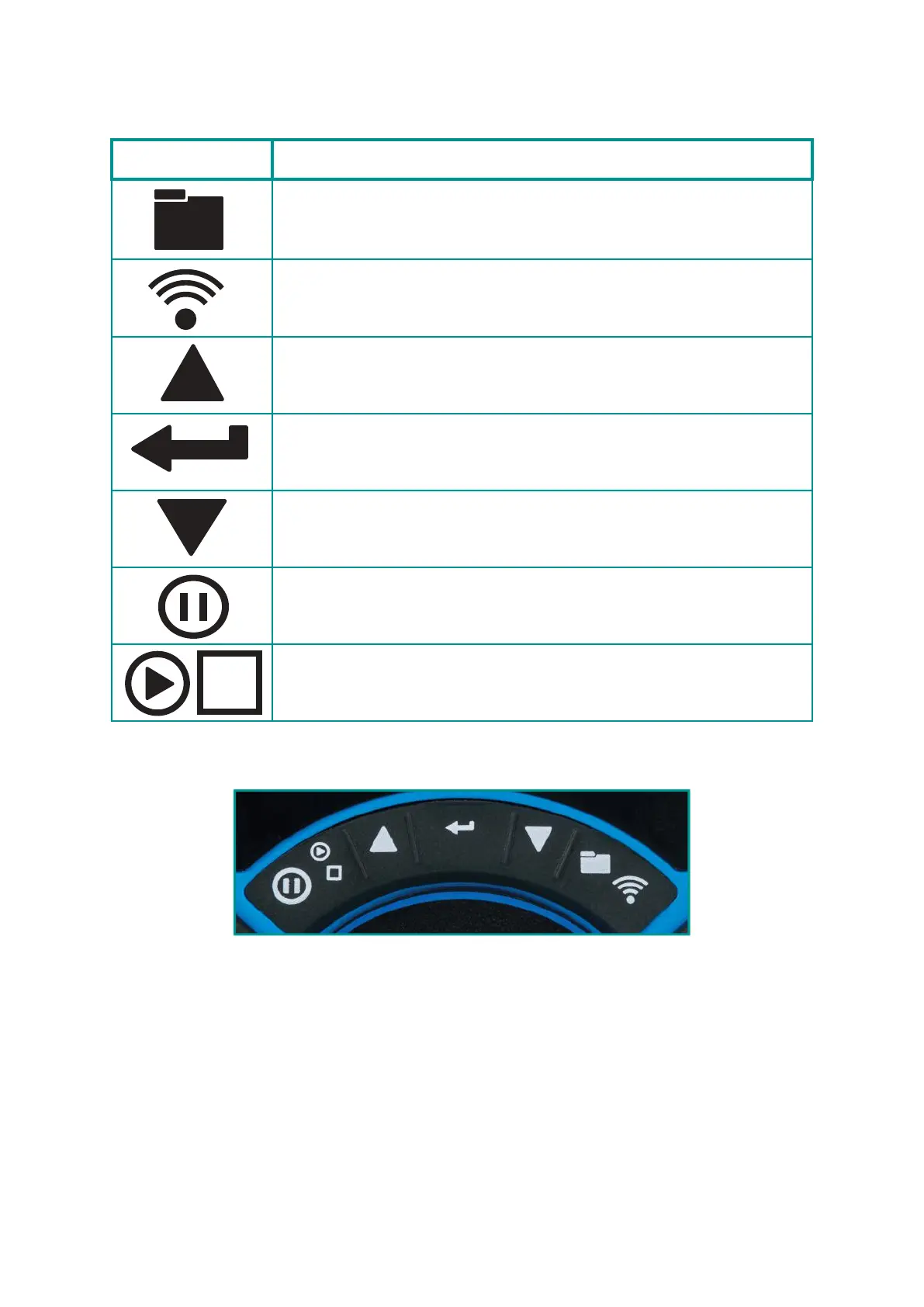
Save log – Long press to store data
Print report. Short press to print a report (Enters a
print destination when both wireless and irda tted)
Navigate up – Short press to scroll up
Enter button – Used to select the current option
Navigate down – Short press to scroll down
Data hold – Short press to hold current data on screen
(see status bar section)
Pump toggle – long press to toggle the pump on and
o
Function
buttons



 To Next Page