18 KANE 358 MANUAL
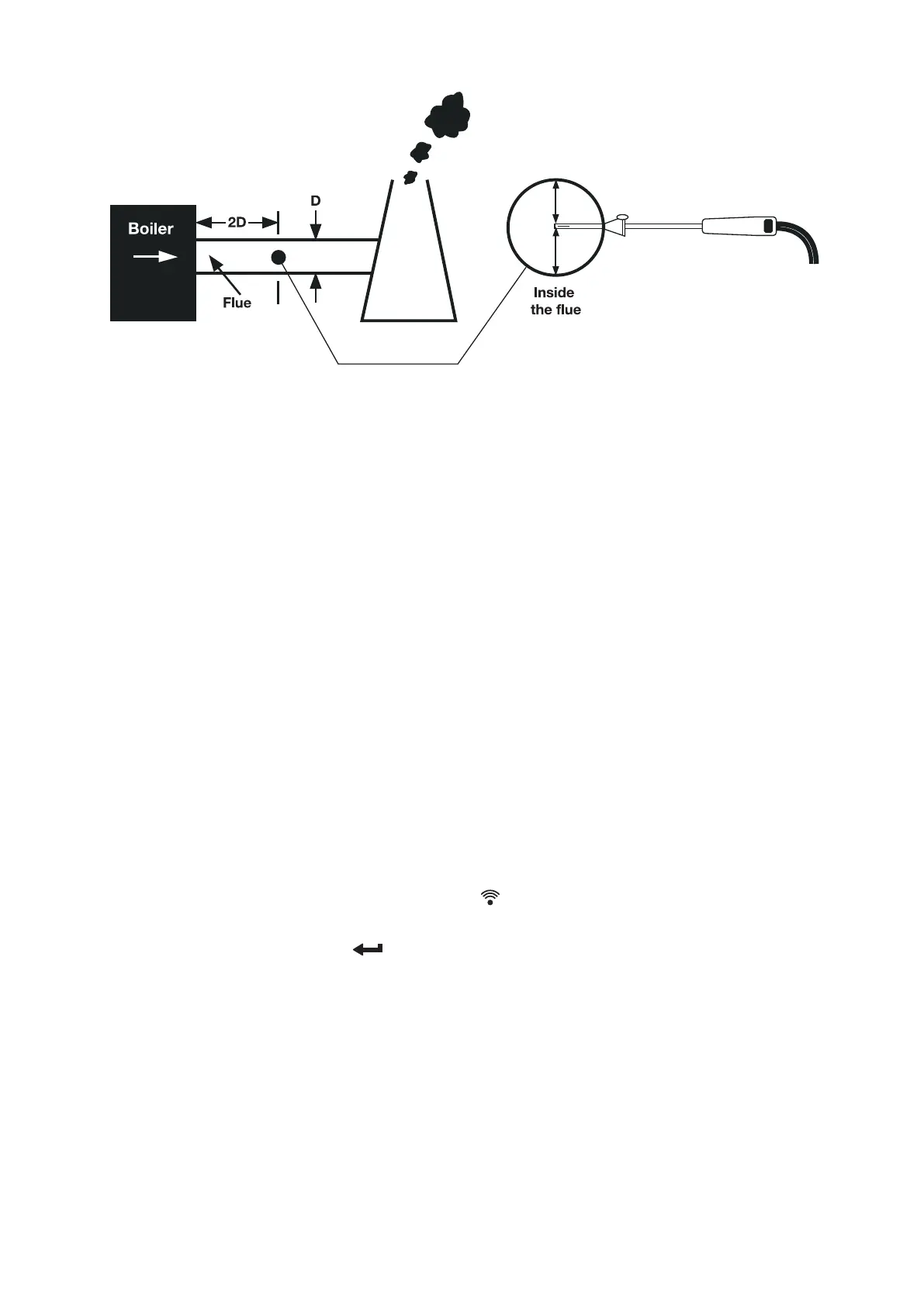
Make sure you do not exceed the analyser’s operating specications. In
particular:
• Do not exceed ue probe max temperature - typically (600°C
• Do not exceed analyser internal temperature operating range
• Do not put analyser on hot surfaces
• Do not exceed analyser water trap’s levels
• Do not let analyser particle lter become dirty and blocked
View displayed data to ensure stable operating conditions are achieved
and readings are within expected range.
PRINTING
To print, simply press and release the button. Select your print
destination to either KANE IRP1 optional printer or App. Printing can be
stopped by pressing the button again.
KANE INFRARED PRINTER
Switch on your printer and make ready to accept data with its
infrared receiver in line with your analyser’s emitter on top of the
analyser – allow a 15cm gap between your analyser and printer.



 To Next Page