16 KANE 358 MANUAL
USING THE MENU
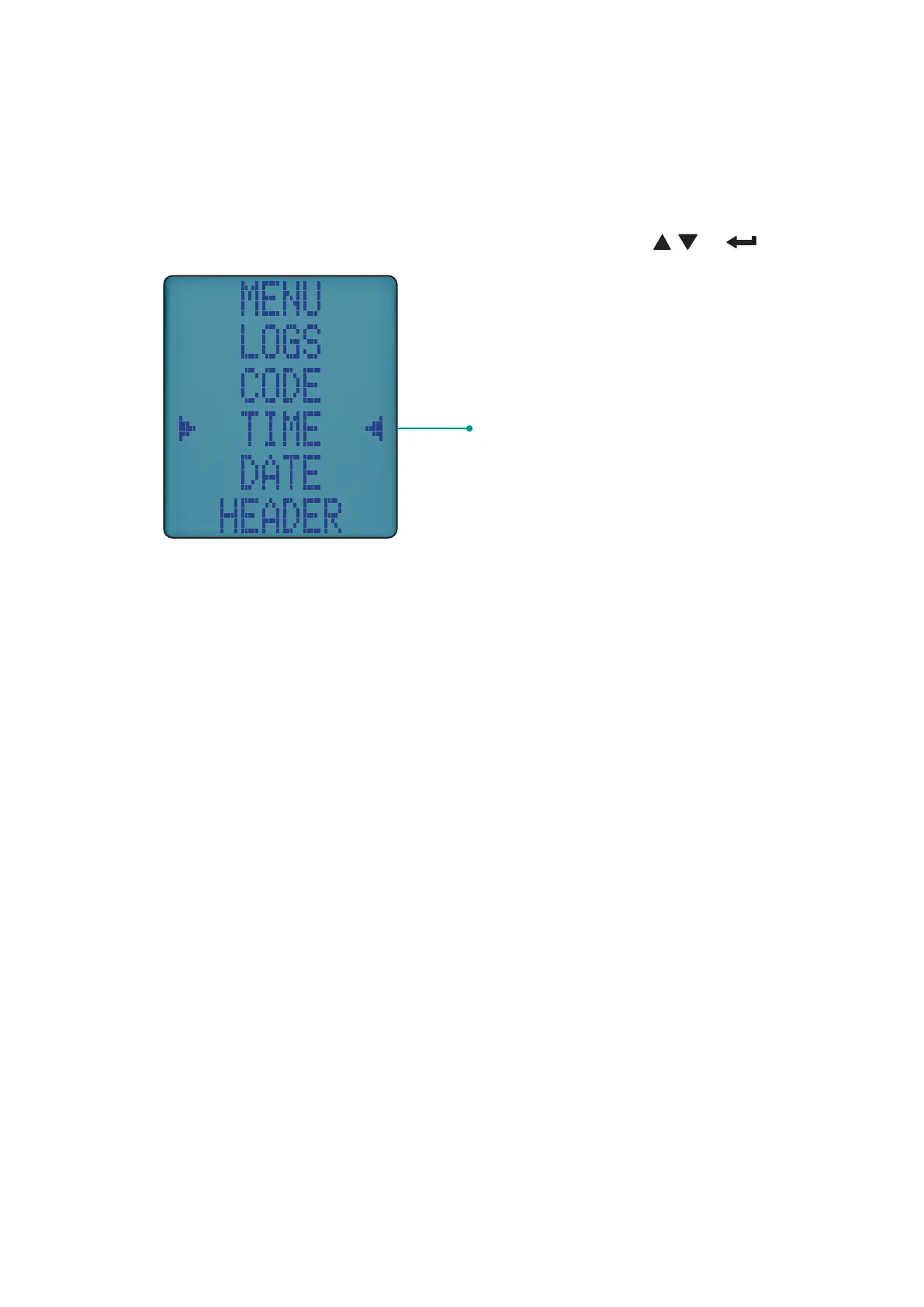
The Menu position on the rotary dial allows you to customise the
analyser’s default settings to your requirements.
Navigate through the Menu system using these buttons & .
Menu option to edit
As you navigate up or down through the menu items will move up or
down the screen returning to the beginning.
NOTE: To exit Menu simply turn your analyser’s rotary dial to any
position but any changes not entered will not be stored.



 To Next Page