22 KANE 358 MANUAL
Note: commissioning and tightness are accessed via the TEST position.
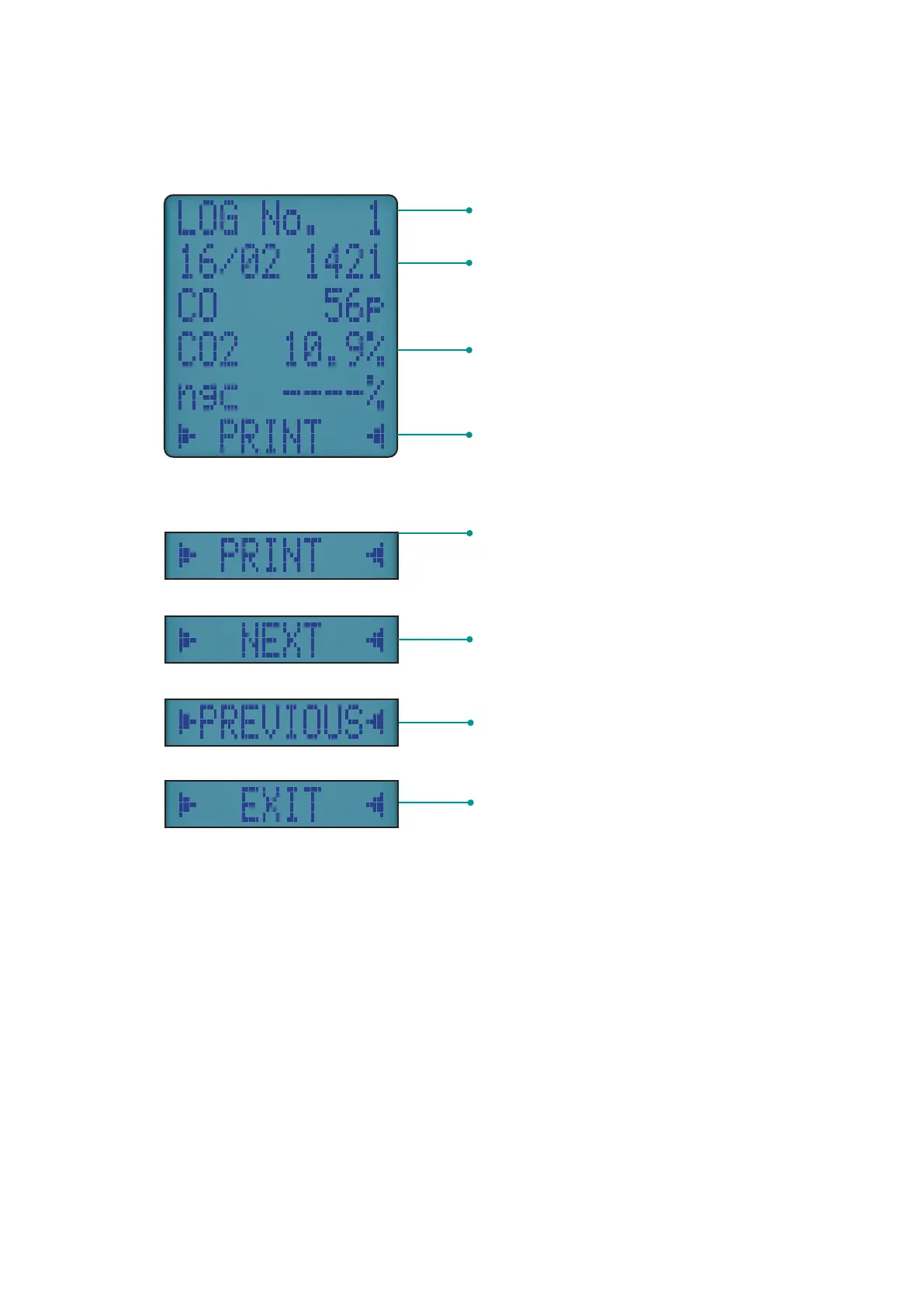
Report time and date – alternates
between both
Report readings specific to report type
Navigation menu options
Report number of that type
NAVIGATING STORED REPORTS
Once you select your report the rst report is displayed
REPORT NAVIGATION MENU OPTIONS
Prints currently selected report
Navigate to next available report if
there’s more than one report
Navigate to previously selected report
- only once navigation begins
Return to main menu



 To Next Page