21KANE 358 MANUAL
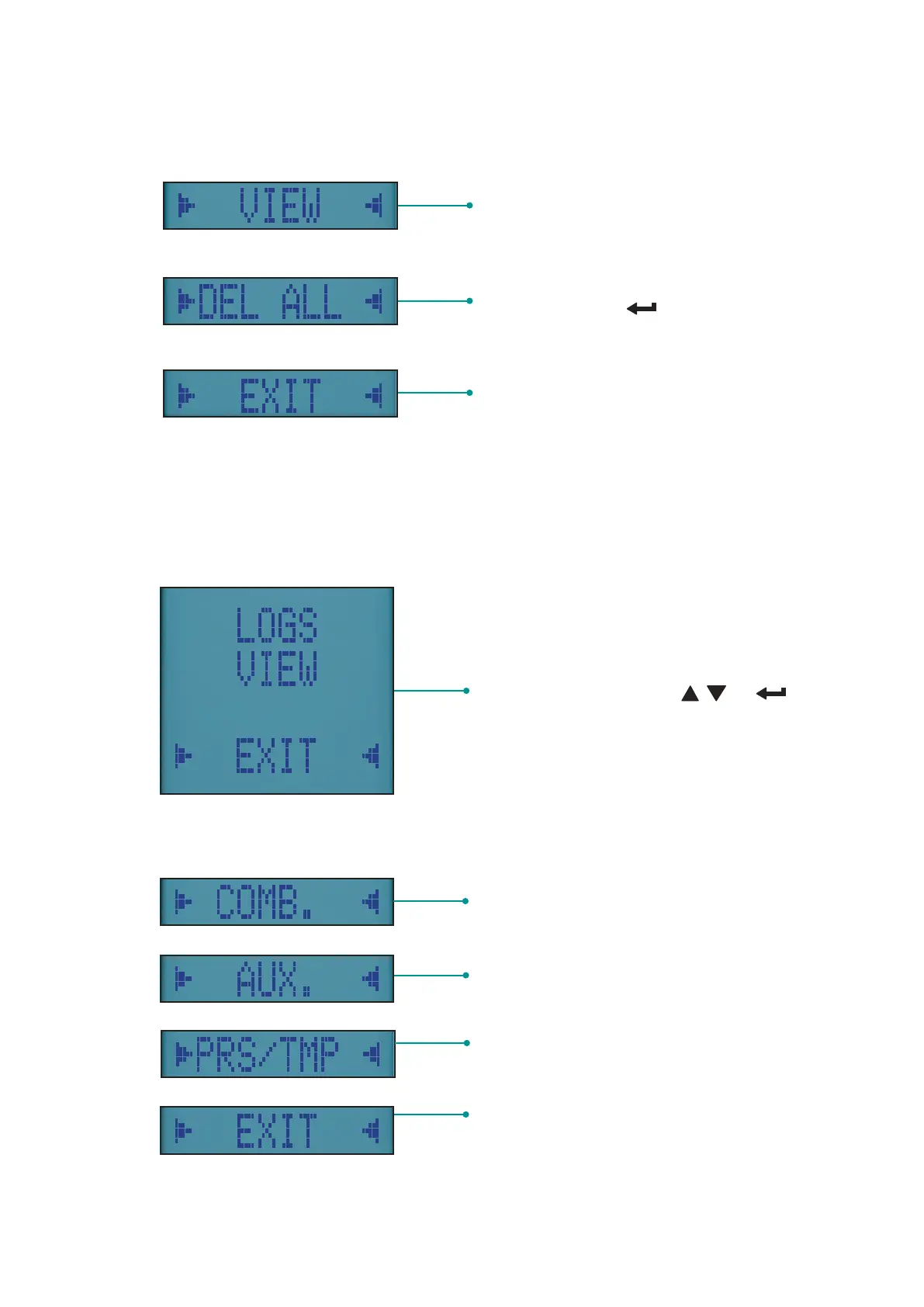
View stored reports if available - enter
secondary menu to select report type to
view
Delete all stored reports if available - To
delete long press button
List of available logs -
Navigate & select using &
Buttons
Return to main menu.
MENU OPTIONS
VIEWING STORED REPORTS
To view your reports, select VIEW option from REPORTS Menu:
REPORT VIEW MENU OPTIONS
View stored Combustion Reports – if
any
View stored Auxiliary Reports
– if any
View stored Pressure & Temperature
Reports – if any
Returns to previous menu



 To Next Page