KANE905 Operators Manual Page 25
FORMAT:
Changes the date format for display and
printing.
dd : mm : yy
yy : mm : dd
mm : dd : yy
To change the time position the cursor on
TIME and press .
The cursor will now be to the left
of the 13:
Using and scroll through
the setting options i.e. 0-23.
Once the correct hour is set press
to move to the next parameter, the cursor
will move to the left of minutes (53). Move
to each parameter until the correct time is
set.
Pressing after setting the seconds
will return the cursor to the left of the
screen.
Format and Date are set in a similar
manner.
Header:
Allows two lines of 20 characters to be
programmed into the analyser. The
header appears on the top of the standard
printout. This can be used to print your
company name and/or phone number.
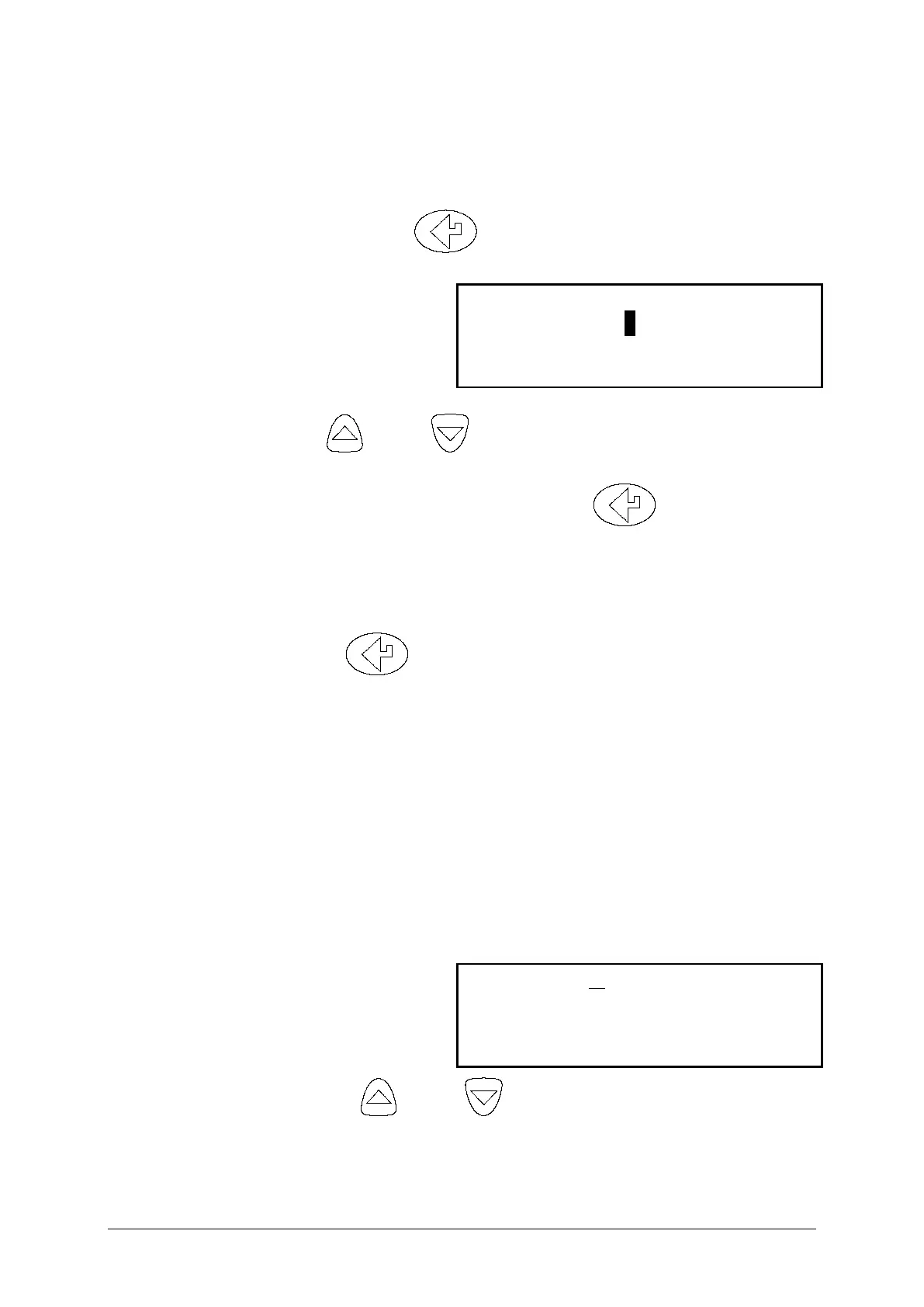
This screen shows the standard
header setting with the cursor
now shown underlining the K in
Kane:
By using and any letter or
number can be chosen.
Once the correct character is displayed,



 To Next Page