54
EDIT Menu
The EDIT menu can also be used to adjust parameters for zones in EXT mode. As with the INT mode EDIT menus,
the parameters are grouped by category, providing direct control over any connected MIDI devices.
As with zones set to INT mode, this collection of parameters, together with other adjustable settings, can be stored
as a SETUP memory (page 64). The MP7 provides 256 user programmable SETUP memories.
About Common parameters ( icon)
Unless stated, parameter settings for the MAIN, SUB1, SUB2, and SUB3 zones are independent for each zone. However, parameters
marked with a icon are common for all four zones. For example, changing the Right Pedal Assign parameter for the MAIN zone
will automatically change the Right Pedal Assign parameter for the SUB1, SUB2, and SUB3 zones.
About System parameters ( icon)
EXT mode zone parameters marked with a icon are SYSTEM parameters and memorised automatically, without the need to use
the STORE function.
EXT mode zone parameters
No. Category Parameters
1 Channel/Program MIDI Transmitting Channel, Program, Bank MSB, Bank LSB
2 SETUP Send Program, Send Bank, Send Volume, Send Knobs
3
Transmit
Transmit System Exclusive, Transmit Recorder
4
MMC
Transmit MMC, MMC Device ID, MMC Commands
5 Key Setup
Touch Mode, Touch Curve, Octave Shift, Zone Transpose, Key Range Zone Lo, Key Range Zone Hi,
Velocity Switch, Velocity Switch Value, Key Scaling Damping, Key Scaling Key, Dynamics, Solo,
Solo Mode, Transmit Keyboard
6 Controllers
Damper Pedal, Damper Pedal Assign, Half Pedal Values, Modulation Depth Range, Pitch Bend,
Pitch Bend Range, Modulation Wheel, Modulation Wheel Assign, Right Pedal, Right Pedal Assign,
Center Pedal, Center Pedal Assign, Left Pedal, Left Pedal Assign, Expression Pedal,
Expression Pedal Assign
7 Knob Assign
Knob A Assign, Knob B Assign, Knob C Assign, Knob D Assign,
Knob2 A Assign, Knob2 B Assign, Knob2 C Assign, Knob2 D Assign
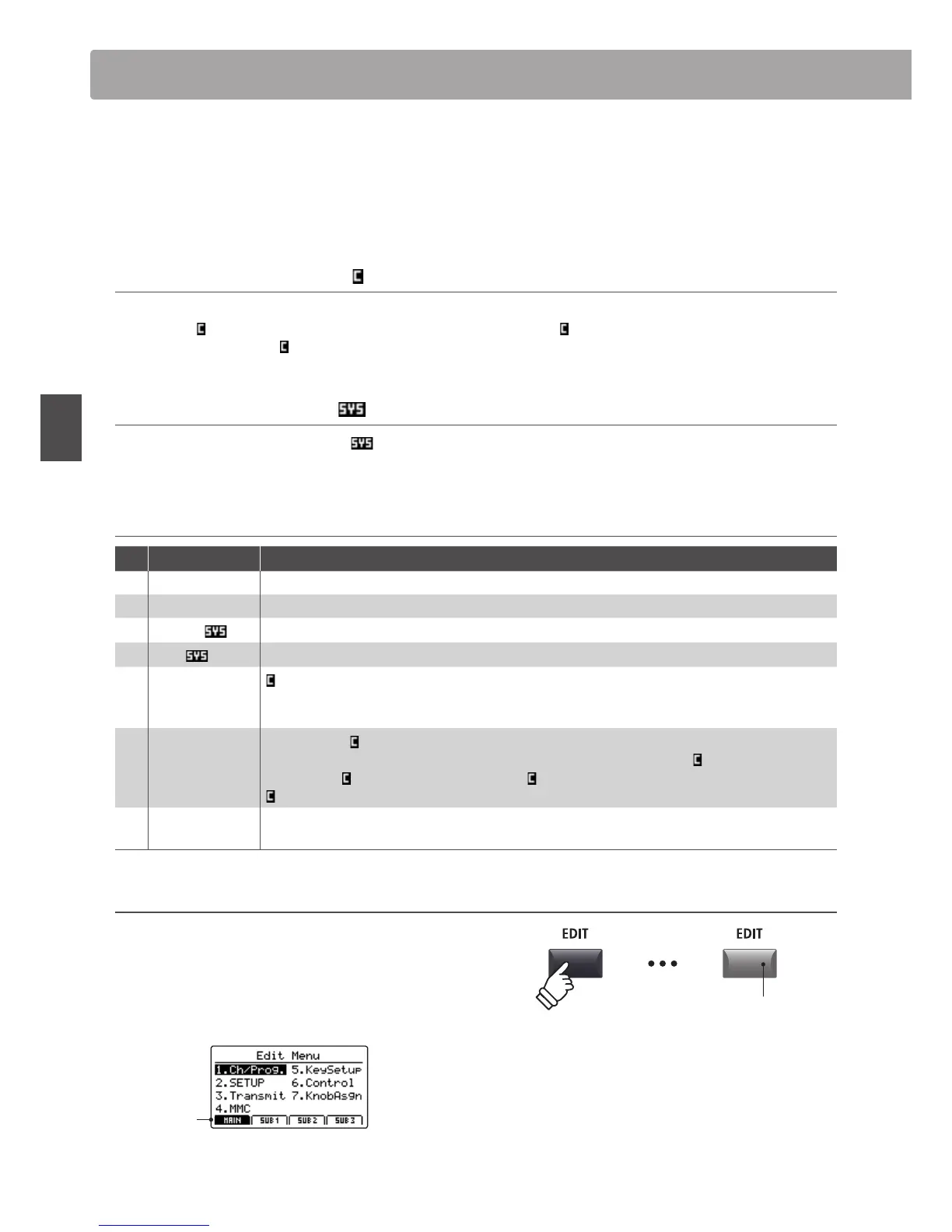
Entering the EDIT Menu
When the zone is in EXT mode:
Press the EDIT button.
The LED indicator for the EDIT button will turn ON, and the Edit
Menu for the selected zone will be shown in the LCD display.
MAIN
zone
selected
LED indicator ON:
EDIT mode is turned ON
* To change the selected zone, press the F1~F4 buttons.
Overview of the EDIT Menu (EXT mode)



 To Next Page