10
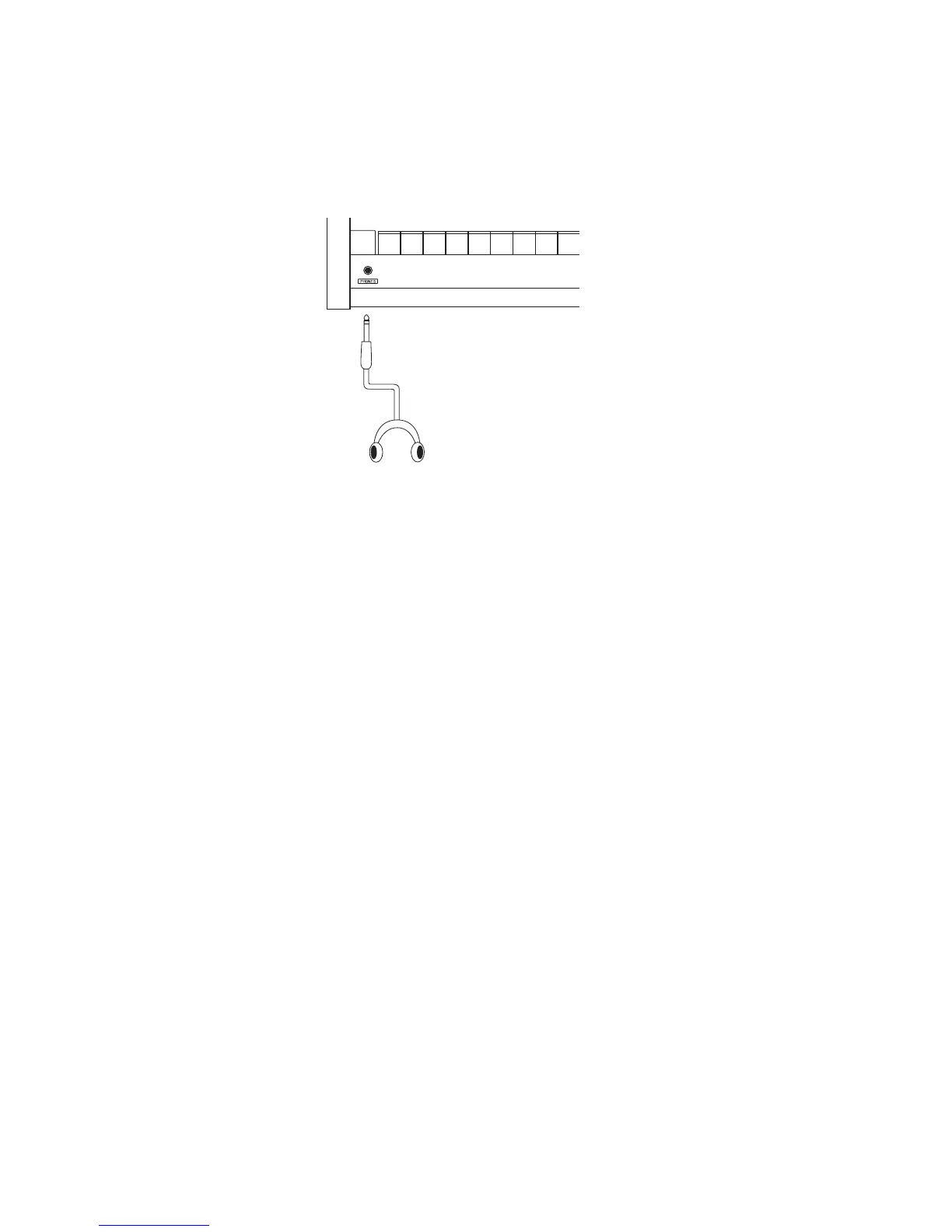
1.2 HEADPHONE JACK
The headphone jack is located in front at the left end of the key slip. Use a headphone with
a standard stereo 1/4 inch phone jack.
1.3 REAR PANEL
1. OUTPUTS -FIXED-
R, L OUTPUTS
The R, L outputs are used to connect the MP8 to a musical instrument amplifier
using XLR Terminals. The R, L outputs can also be used to connect the MP8 to a PA
system or recording console. The (Master) VOLUME fader and the EQ settings DO
affect these outputs.
GROUNDLIFT SW
With this switch ON, a possible ground loop can be shut from an external machine
which is connected to your MP8 with XLR terminal. Usually, you may leave the
switch to its OFF position.
2. OUTPUTS -Normal-
R, L/MONO OUTPUTS
The R, L/MONO outputs are used to connect the MP8 to a musical instrument
amplifier using standard 1/4 inch phone jacks. The R, L/MONO outputs can also be
used to connect the MP8 to a PA system or recording console. The EQ settings DO
affect these outputs.
3. FOOT CONTROLLERS
EXP JACK
An expression pedal can be connected to this jack.
The expression pedal can be assigned to different MIDI control numbers or functions
in the Menu.
FSW JACK
A momentary footswitch can be connected to this jack. (EX: Kawai F-1) The
FootSwitch can be assigned to different MIDI control numbers or functions in the
Menu.
4. DAMPER / SOFT JACK
This jack is used to connect the Foot Pedal included with the MP8. (Kawai F-20)
The right pedal works as Damper pedal, and the left one works as Soft pedal. When
the Rotary EFX is in use, the Soft pedal changes function to a Fast/Slow Rotor switch.



 To Next Page