15
2.5 Piano Only
The Piano Only function lets you quickly return the MP8 sounds to the default
settings.
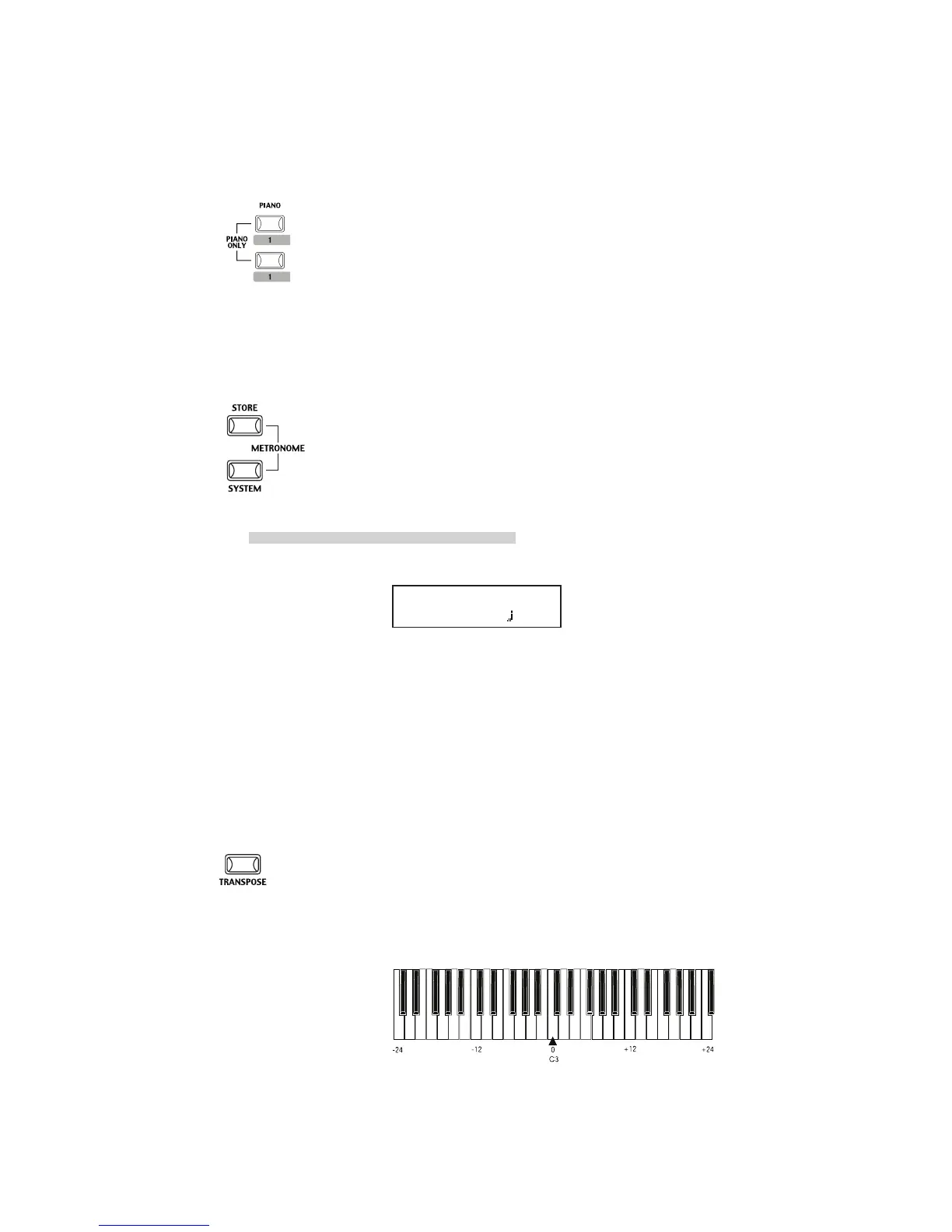
Press the PIANO button and the SOUND SELECT button 1 simultaneously.
All the current settings (except for SYSTEM settings) will go back to original
and only Concert Grand sound can be played on the whole keyboard.
Note:
You may use this function also as a kind of Panic or Reset button. Also it is
a good starting point to create Setups from scratch.
2.6 Metronome
A metronome is available on the MP8.
Press the STORE and SYSTEM buttons simultaneously to start the
metronome.
Press the STORE or SYSTEM button to stop the metronome.
Changing the Tempo/Volume
The display will show as follows.
Use the VALUE buttons to change the tempo.
Use the MENU buttons to change the volume.
Note:
The metronome tempo is also used as MIDI clock tempo to control an
external sequencer. See page 20 for details.
2.7 Transpose
When the Transpose function is “ON” the MP8’s key can be raised or lowered
in half steps. The available range of transposition is 24 semitones, either up
or down.
While holding down the TRANSPOSE button, press any key on the MP8
keyboard to select a new transposed key. Pressing the F key above middle C
for example will transpose the MP8 UP to the key of F (+5 half steps).
METRONOME
VOL= 5 =120



 To Next Page