47
Table of ContentsSetting UpWi-Fi StreamingUsing KEF Connect AppFAQ and Troubleshooting
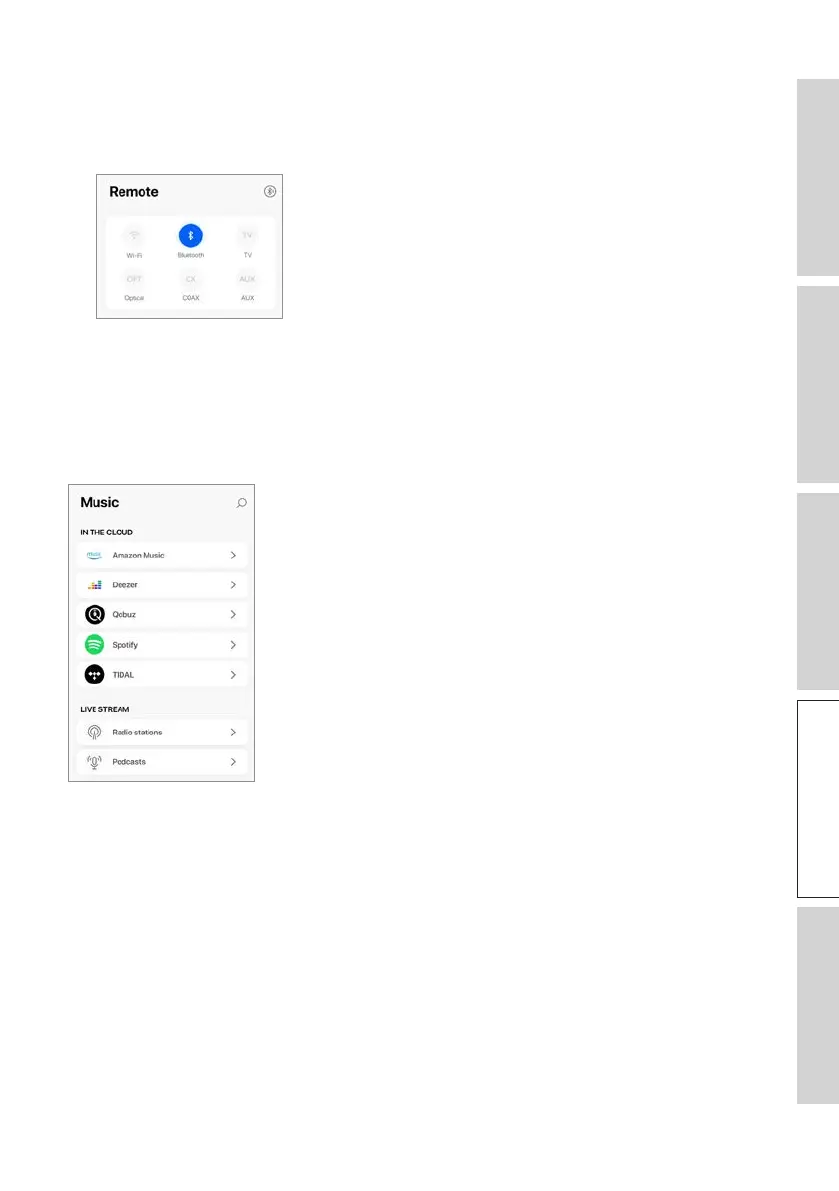
14.2 Remote Control
• Use the buttons under “Remote Control” to directly turn on the speakers from that
particular source, or change the sound source.
• To turn off the speakers, tap the active source button.
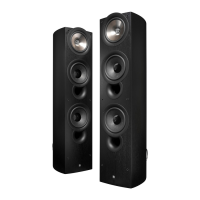
14.3 Music Contents
The KEF Connect App allows you to access and play back music from your music
streaming services as well as Internet radio stations and podcasts.



 To Next Page