67
Table of ContentsSetting UpWi-Fi StreamingUsing KEF Connect AppFAQ and Troubleshooting
14.10 Application
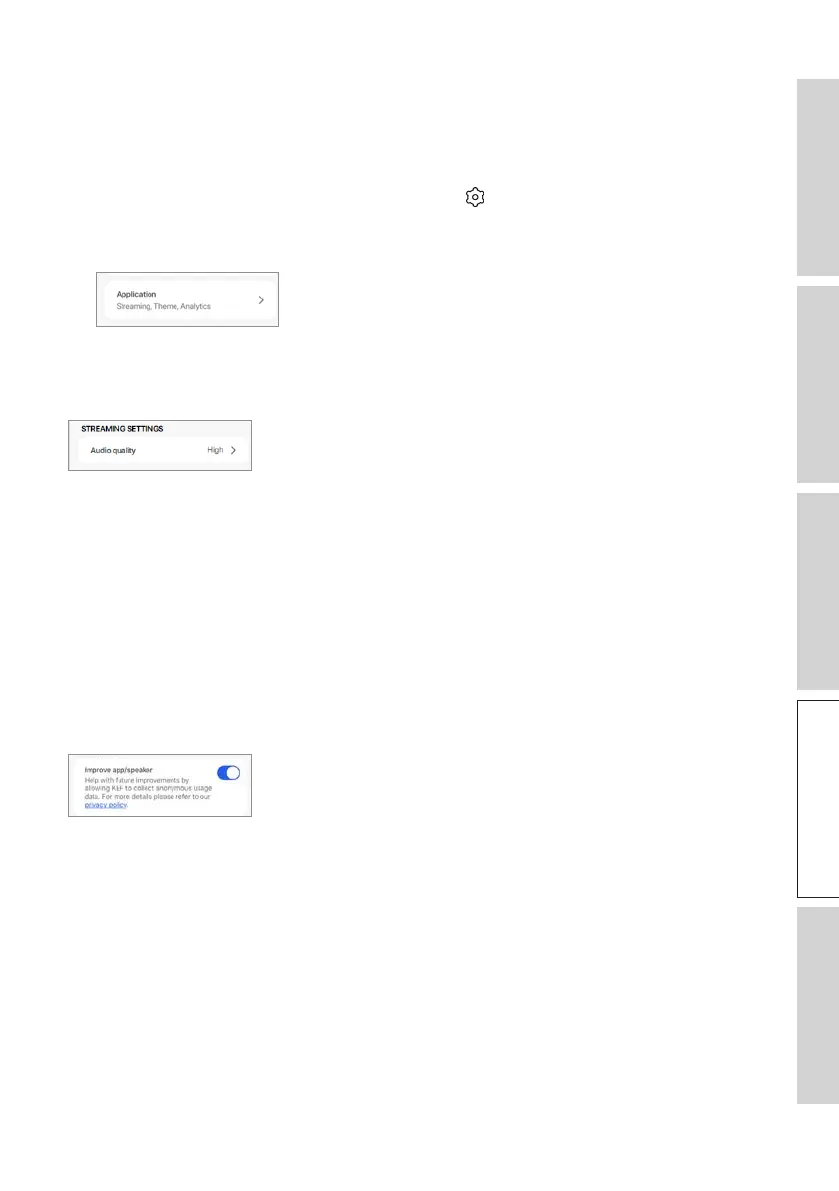
This menu allows you to customize the streaming audio quality, theme and send analytics.
To access this menu:
1. In the KEF Connect App, tap the Setting icon ( ) at the bottom of the Home
screen.
2. Tap “Application”.
14.10.1 Streaming Settings – Audio Quality
This setting allows you to select the audio quality for music streaming.
• Hi-Fi (Hi-Fi quality): Always select this setting for the best audio quality. The highest
quality depends on the music streaming service and your subscription.
• High (CD quality): Select this setting when the speakers are in a crowded network and
experiencing quality drop-outs.
• Normal (MP3 quality): Select this setting when the speakers are in a crowded network
and experiencing audio drop-outs.
14.10.2 Analytics – Improve App/Speaker
This setting allows the KEF Connect App to send improvement analytics to the
manufacturer. We recommend to enable this setting.



 To Next Page