63
Table of ContentsSetting UpWi-Fi StreamingUsing KEF Connect AppFAQ and Troubleshooting
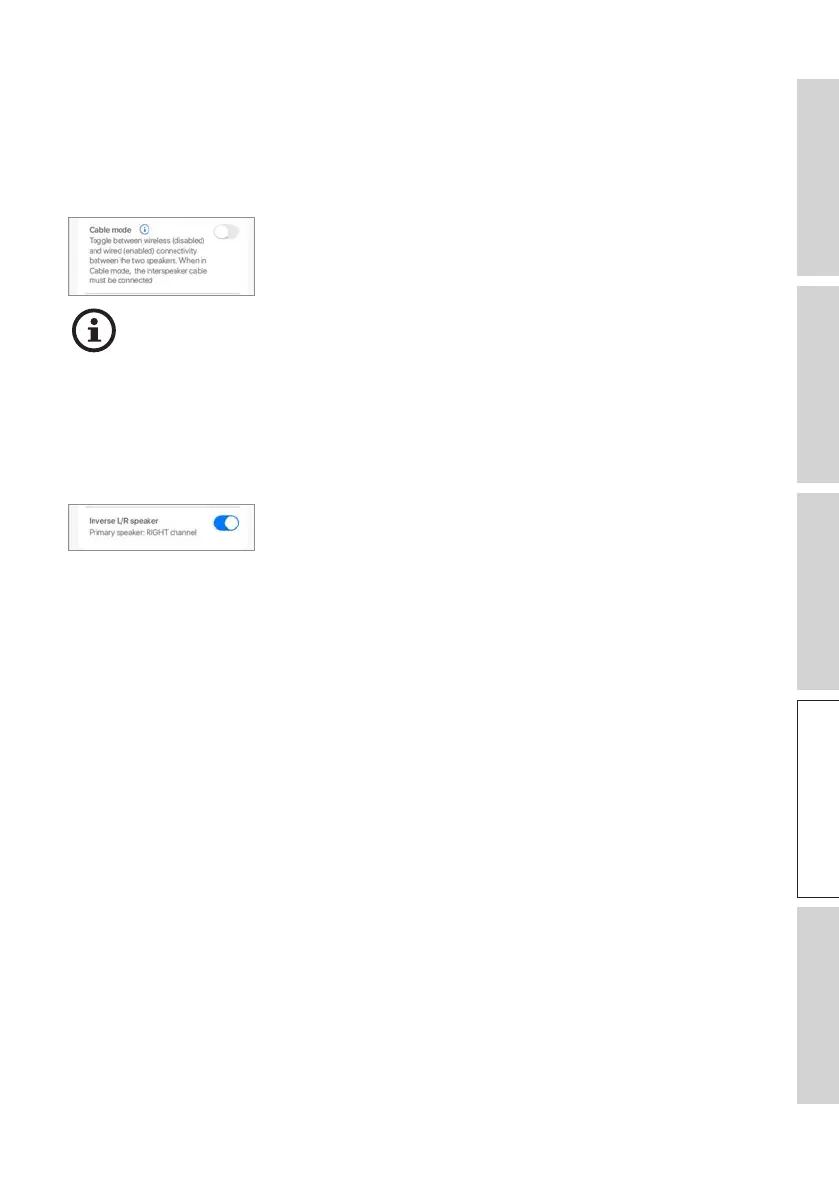
14.7.4 Speaker System Options – Cable Mode
You can connect the Primary Speaker and Secondary Speaker with the provided inter-
speaker cable through the “To L/R” connection ports on the back panels of the speakers.
Once the cable is connected, enable this setting to enable Cable mode and disable the
wireless connection.
Cable Mode is required/recommended when:
• You prefer a better resolution at 192 kHz/24 bit (wireless: 96 kHz/24 bit).
• You are experiencing audio dropouts due to interference.
14.7. 5 Speaker System Options – Inverse L/R Speakers
This setting enables the change of the Primary Speaker to the left (L) channel.



 To Next Page